20140704#1.0 EBS Ink Jet Systeme
21
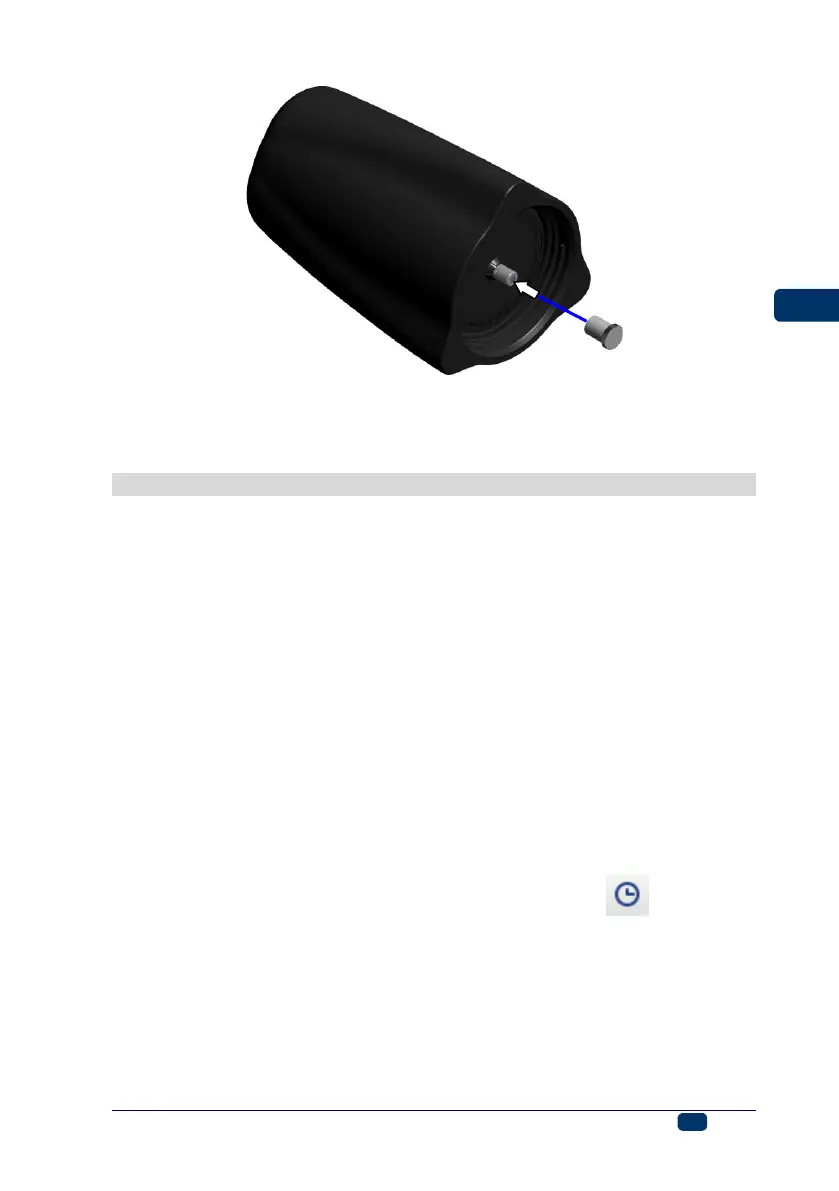
Ink may flow out of a worn out container. Secure the container valve with
transport cap 31 that you can take from a new container, in order to avoid
spontaneous outflow of the ink.
General Settings
The general settings are accessible by touching the following buttons in turn:
Tools (U), Settings and General.
In the Common sheet tab you can:
Change the settings concerning the generation of Statistics. You can
collect the data on the number of prints made for each of the projects. The
report is available EBS Web User Interface in the Info menu – see
Operating statistics (p. 116).
Enable/disable the Autostart current project option – after the printer has
been switched on, the recently printed project is read-in automatically, and
the printer moves to the Print on (waiting) state. Press the trigger and
move the printer along an article to be labeled in order to start printing.
Switch on/off the Laser, which is used for indicating the lowest nozzle
position. It is helpful in positioning the printer on the surface to be labeled.
The laser is on from the moment the project is enabled for printing and the
print release button is pressed until the printing of a given print is finished.
Switch on/off EBS Cloud, a tool that enables you to maintain and monitor
the state of the printer remotely.
Switch to the simplified menu – see Simple menu (p. 14).
Re-set the printer date and time settings by touching the button – see
Date and Time Settings (p. 22).



 To Next Page