20140704#1.0 EBS Ink Jet Systeme
65
You can start modifying and printing divided projects by pressing trigger 6.
Touch the button in order to add the object to a project or the
button to abandon the addition. If no changes have been made, you can return
to the previous screen by touching the button.
Printing Parameters
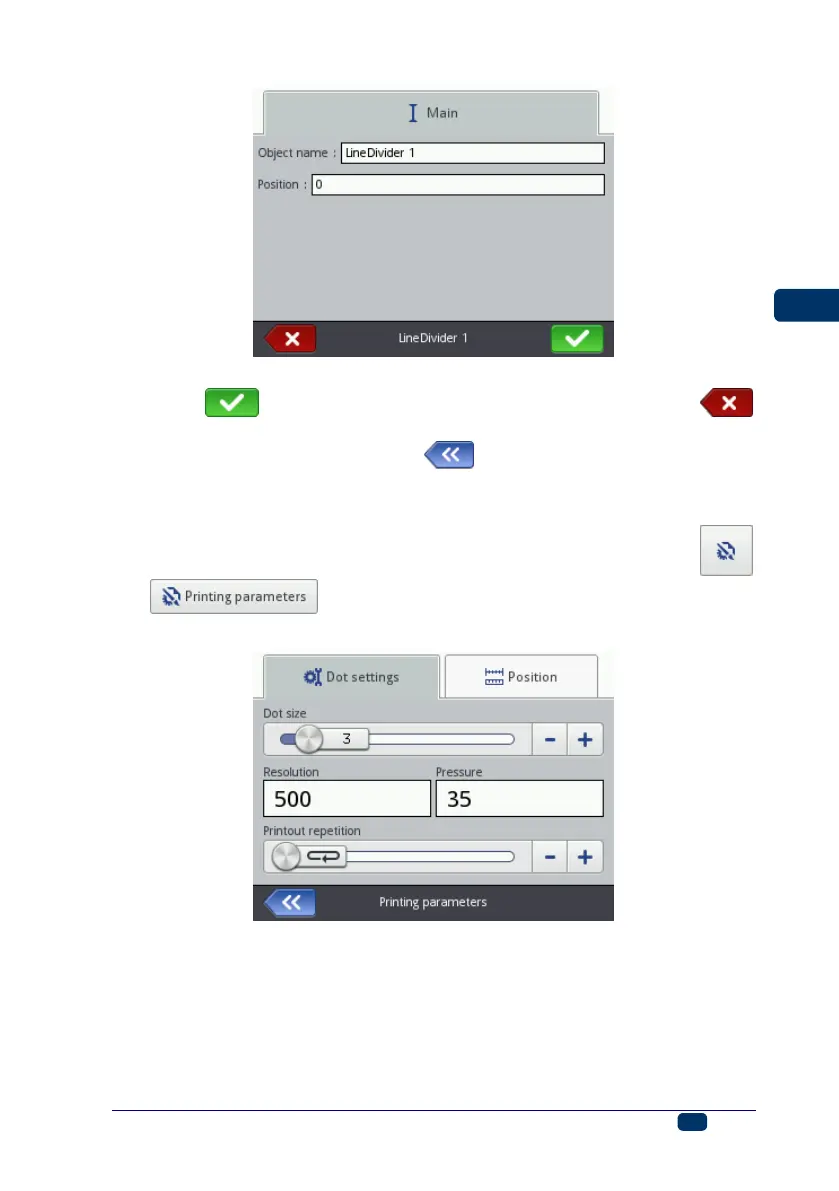
The printing parameter window is displayed after the
and buttons have been touched in turn – see Project
Processor (p. 42).
In the Dot settings sheet tab:
The Dot size parameter is used in order to increase the intensity of prints
on porous materials, which absorb ink heavily, on which the characters
printed (consisting of the same size dots) are not well visible due to their
grainy structure. An increase in the setting of that parameter results in
higher intensity of prints made, owing to a bigger size of ink drops jetted out
of the printer head. Increased intensity involves higher consumption of ink.



 To Next Page