78
EBS Ink Jet Systeme 20140704#1.0
If you wish to continue editing the project that is open on the printer, touch the
Continue editing button on the WUI working screen.
Import a Project
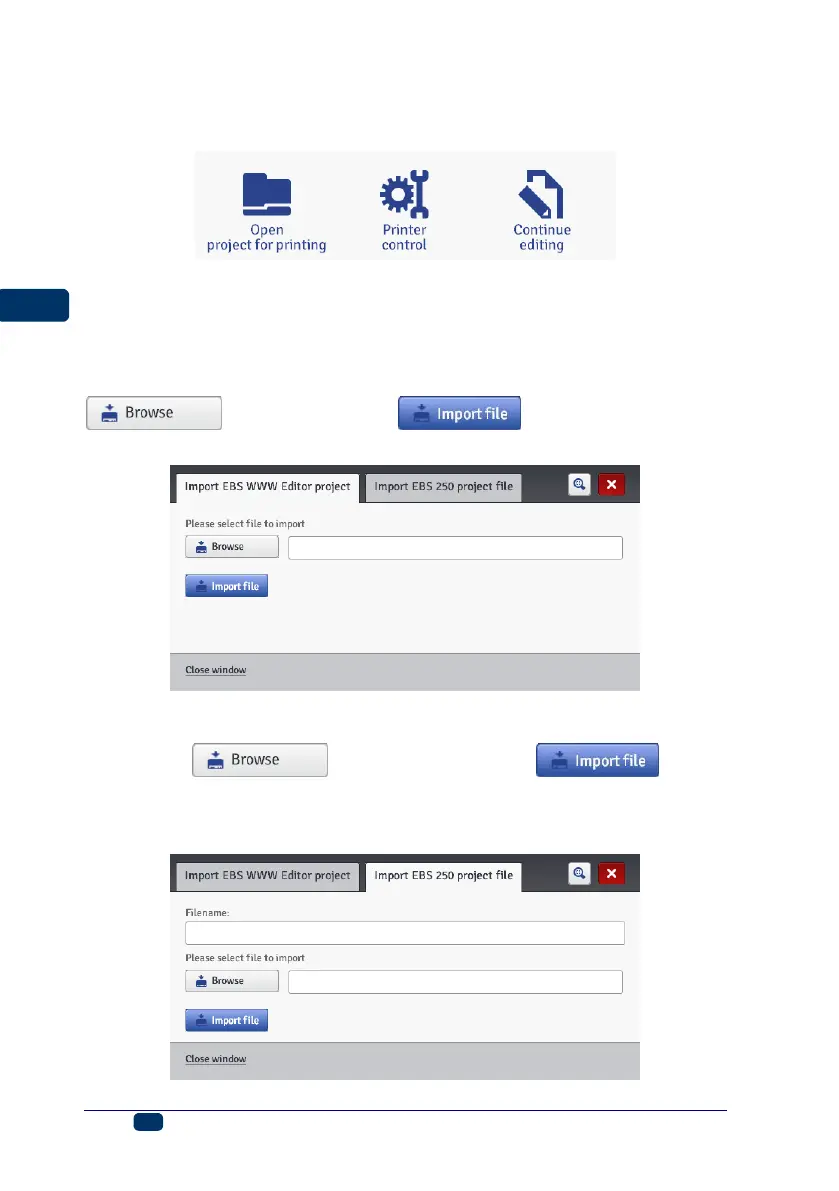
In the Projects menu, which is on the menu bar, choose the Import project
command. You can import projects that are saved on another computer or have
been created and edited on the printer itself. In the Import EBS WWW Editor
project sheet tab, choose a file to be imported (by touching the text field or the
button) and touch the button.
You can also import projects created for the HANDJET EBS-250 printer.
In the Import EBS-250 project file sheet tab, type in a name for the project in
the Filename field, and then choose the file to be imported (by touching the text
field or the button) and touch the button.
When you have imported the entire project library, the name typed in in the
Filename field becomes the folder name and the library projects are numbered
with successive numbers.



 To Next Page