20140704#1.0 EBS Ink Jet Systeme
61
The Rectangle object allows you to print any rectangle: an outline only or the
entire figure (in the latter case the Filled check box needs to be ticked).
If the Invert check box is ticked, then where the Rectangle ”covers” another
object that is in a lower layer, the common part of the rectangle and that another
object is not printed.
The Line width parameter can be used to set the outline thickness.
Touch the button in order to add the object to a project or the
button to abandon the addition. If no changes have been made, you can return
to the previous screen by touching the button.
Shape-type Object – Ellipse
Touch the button, choose the Shapes sheet tab, and then touch the
button in order to add a new, shape-type object, an
Ellipse, to a project.
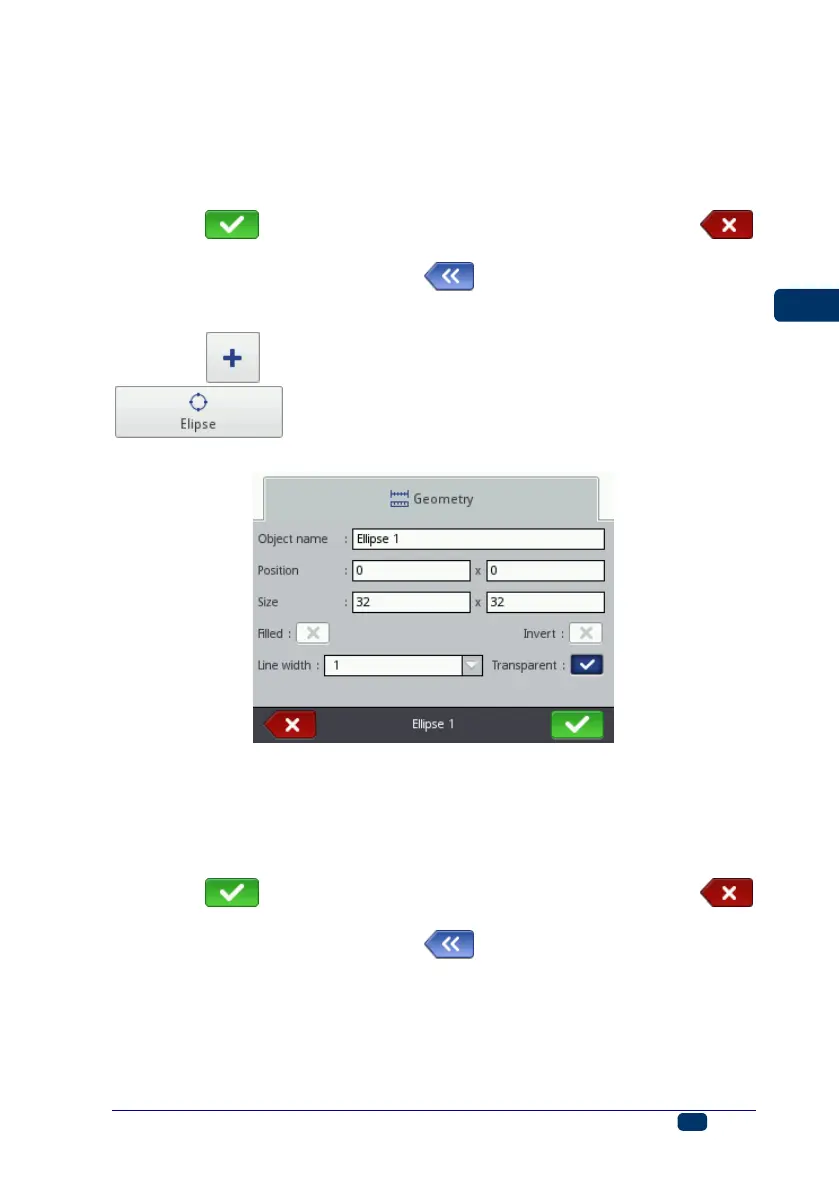
The Ellipse object allows you to print any ellipse: an outline only or the entire
figure (in the latter case the Filled check box needs to be ticked).
If the Invert check box is ticked, then where the Ellipse ”covers” another object
tthat is in a lower layer, the common section of the ellipse and that another
object is not printed.
The Line width parameter can be used to set the outline thickness.
Touch the button in order to add the object to a project or the
button to abandon the addition. If no changes have been made, you can return
to the previous screen by touching the button.



 To Next Page