20140704#1.0 EBS Ink Jet Systeme
51
Text Object – Normal text
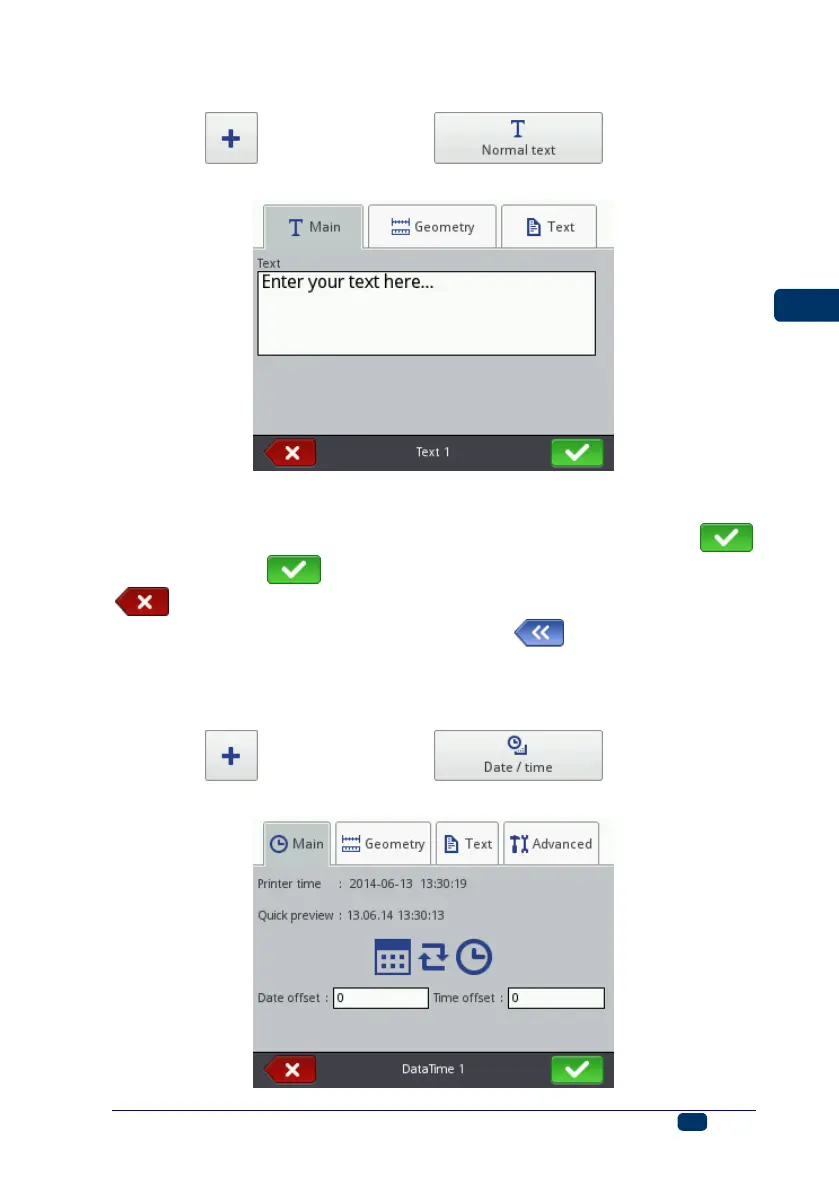
Touch the button and then the button in order to
add a new text object - Normal text, to a project.
You can type in any string of characters in the Text field of the Main sheet tab.
The division of a text into lines can be done by touching the ENTER button on
the keypad displayed. On finishing the typing in, confirm the text with the
button. Touch the button in order to add the object to a project or the
button in order to abandon the addition. If no changes have been made,
you can return to the previous screen by touching button.
Text Object – Date/Time
The Date/Time text object allows you to print the current date and the current
time and also an expiration date automatically.
Touch the button and then the button in order to
add a new, Date/Time-type text object to a project.



 To Next Page