68
EBS Ink Jet Systeme 20140704#1.0
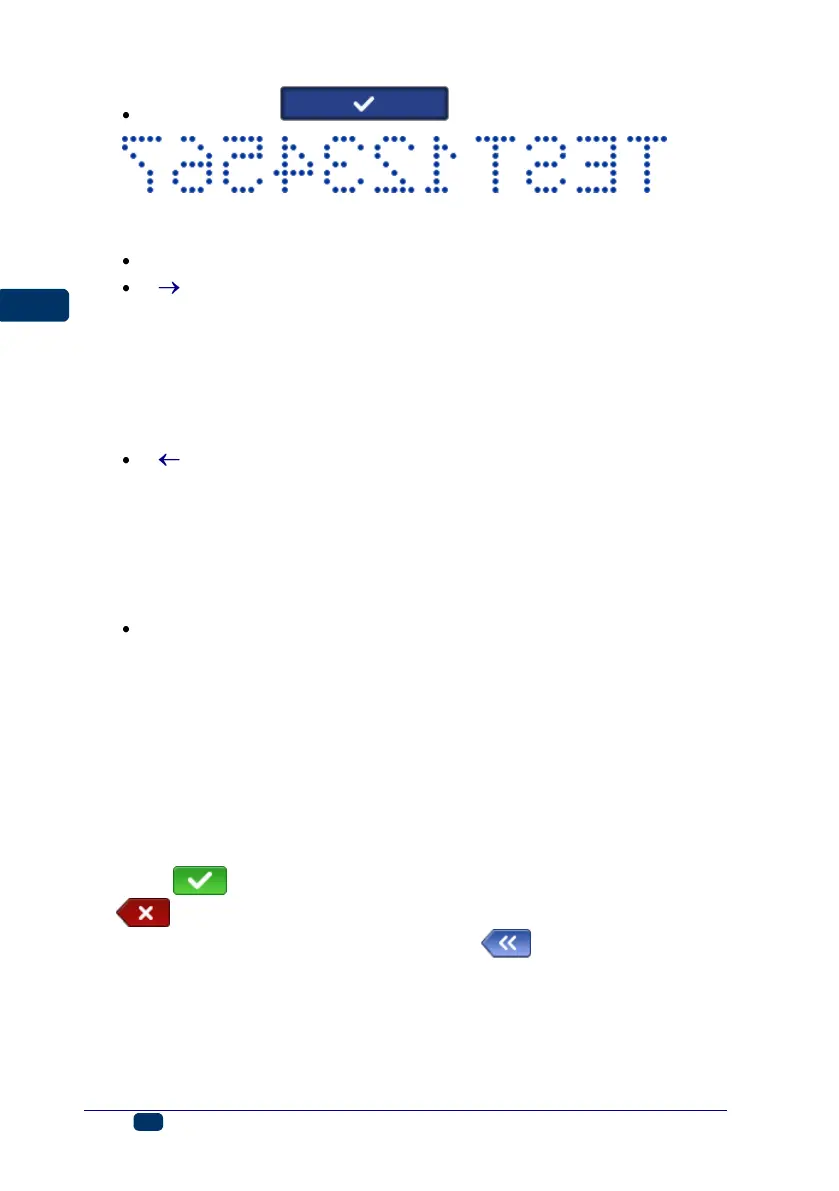
Reversed print .
The Print direction parameter defines in which direction the printer should
be moved in order to make a print.
↔ – a print is made when the printer is moved left and right.
– a print is made only when the printer moves right. The system
detects any movement of the printer in the opposite direction
automatically and interrupts printing. When the printer starts moving
right again, it resumes the printing from the point at which it moved in
the opposite direction. In order to ensure that a printout hits precisely
the point at which the printer moved in the opposite direction and the
printing was interrupted, lower roll 3 of the printer must have
continuous contact with the surface to be labeled.
– a print is made only when the printer moves left. The system
detects any movement of the printer in the opposite direction
automatically and interrupts printing. When the printer starts moving
left again, it resumes the printing from the point at which it moved in
the opposite direction. In order to ensure that a printout hits precisely
the point at which the printer moved back and the printing was
interrupted, lower roll 3 of the printer must have continuous contact
with the surface to be labeled.
⇌
– a print is made when the printer moves left or right. The
direction of printing is chosen with a first movement of a roll. Printing
can continue only in the direction originally chosen. The system
detects any movement of the printer in the opposite direction
automatically and interrupts printing. When the printer moves in the
original direction again, it resumes printing from the point at which it
moved in the opposite direction. In order to ensure that the printout hits
precisely the point at which the printer moved in the opposite direction
and the printing was interrupted, lower roll 3 of the printer must have
continuous contact with the surface to be labeled.
Touch the button in order to approve the changes to the parameters, or
the button to abandon the changes. If no changes have been made, you
can return to the previous screen by touching the button.
Project Recovery
If the printer is switched off, e.g. in emergency mode, while a project is being
edited but has not been saved jet, then when the printer is switched on again
and the project is opened for editing, a project recovery tool starts running.



 To Next Page