112
EBS Ink Jet Systeme 20140704#1.0
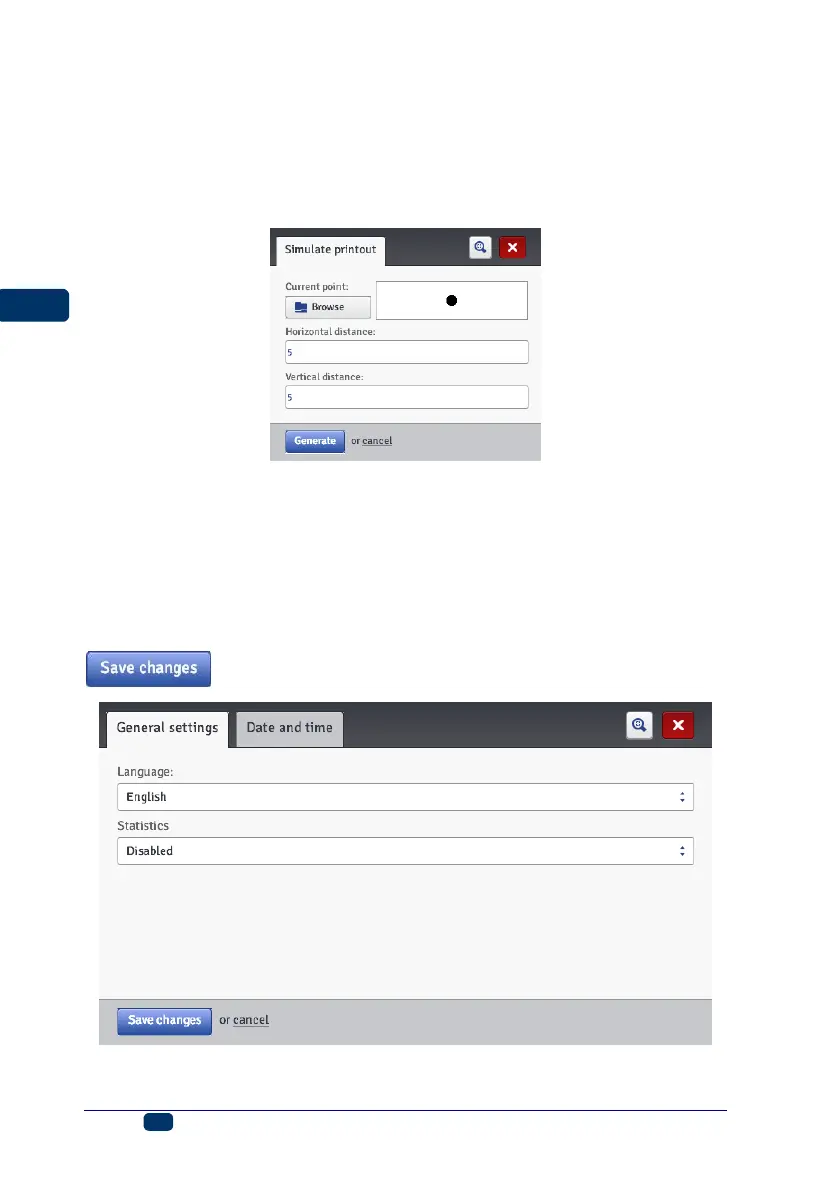
Simulate Printout
In the Tools menu, which is on the menu bar, you can choose Simulate
printout. With this tool you can make a test printout and figure out what your
project will look like in reality.
The tool is available when a project is open and can be edited. The Brower
option for displaying pop-up windows should be enabled.
Settings
General Settings
In the Settings menu, which is on the menu bar, choose General settings.
In the General settings sheet tab you can set the Language for
communication with the processor and enable Statistics (see Operating
statistics (p. 116)). The new settings should be approved with the
button.



 To Next Page