20140704#1.0 EBS Ink Jet Systeme
43
Part of the buttons can be disabled if a given function is not available for a given
type or state of object. When a button is active, the corresponding option is
available.
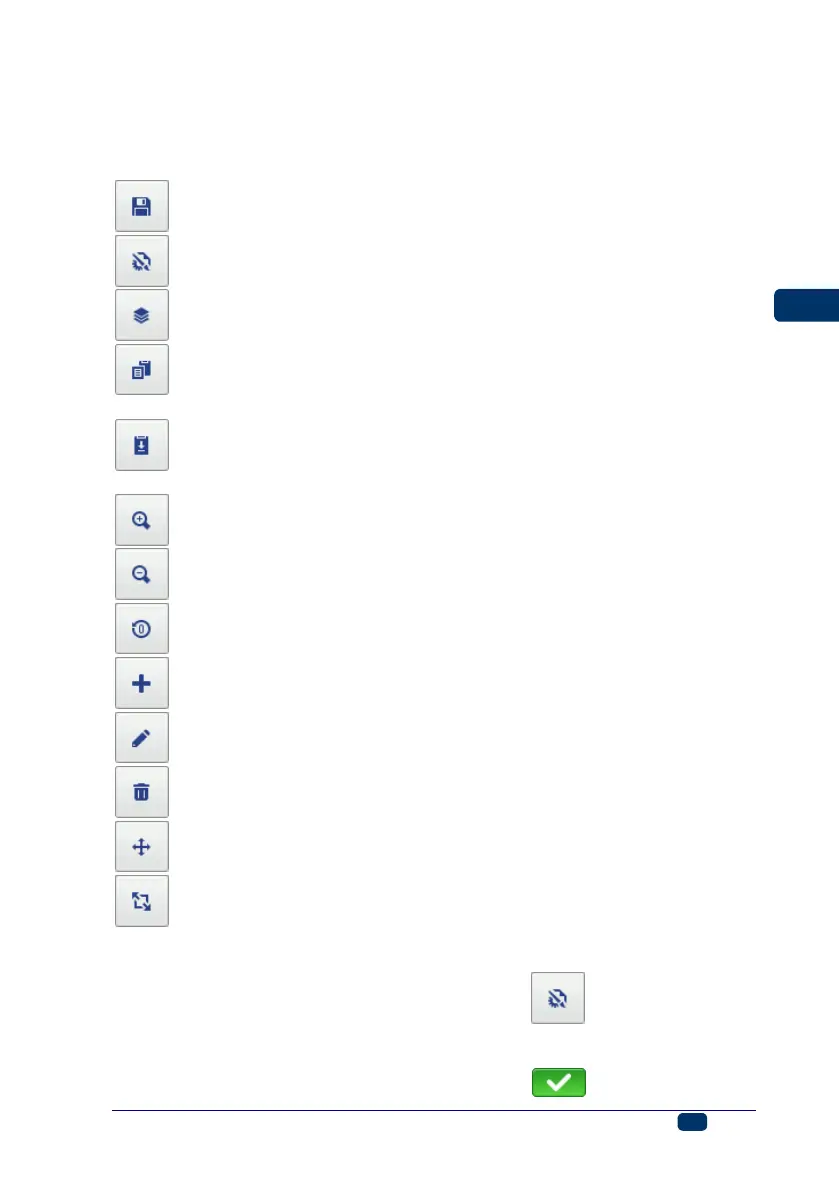
The meaning of the buttons:
– to save a project,
– to set a width of the edit area and printing parameters,
– to open the list objects/clipboard/trash,
– to copy objects to the clipboard (the button is active after an object has
been highlighted),
– to paste the object (the button is active after an object has been copied
to the clipboard and no object is highlighted),
– to magnify the project inside the edit area,
– to decrease the project inside the edit area,
– to change the initial setting of a counter,
– to add a new object,
– to modify the parameters of an object highlighted,
– to delete the highlighted object,
– to reposition the highlighted object,
– to resize the highlighted object.
Project Properties
The Project Properties window is displayed with the button. With this tool
you can set the width of the working area precisely. The setting can be given as
a number of pixels (px) or centimeters (cm), and the unit needs to be chosen.
Any modified setting needs to be confirmed with the button.



 To Next Page