20140704#1.0 EBS Ink Jet Systeme
35
Importing Projects
With the project import function you can download projects made with Offline
EBS Web User Interface or created in another printer to the printer.
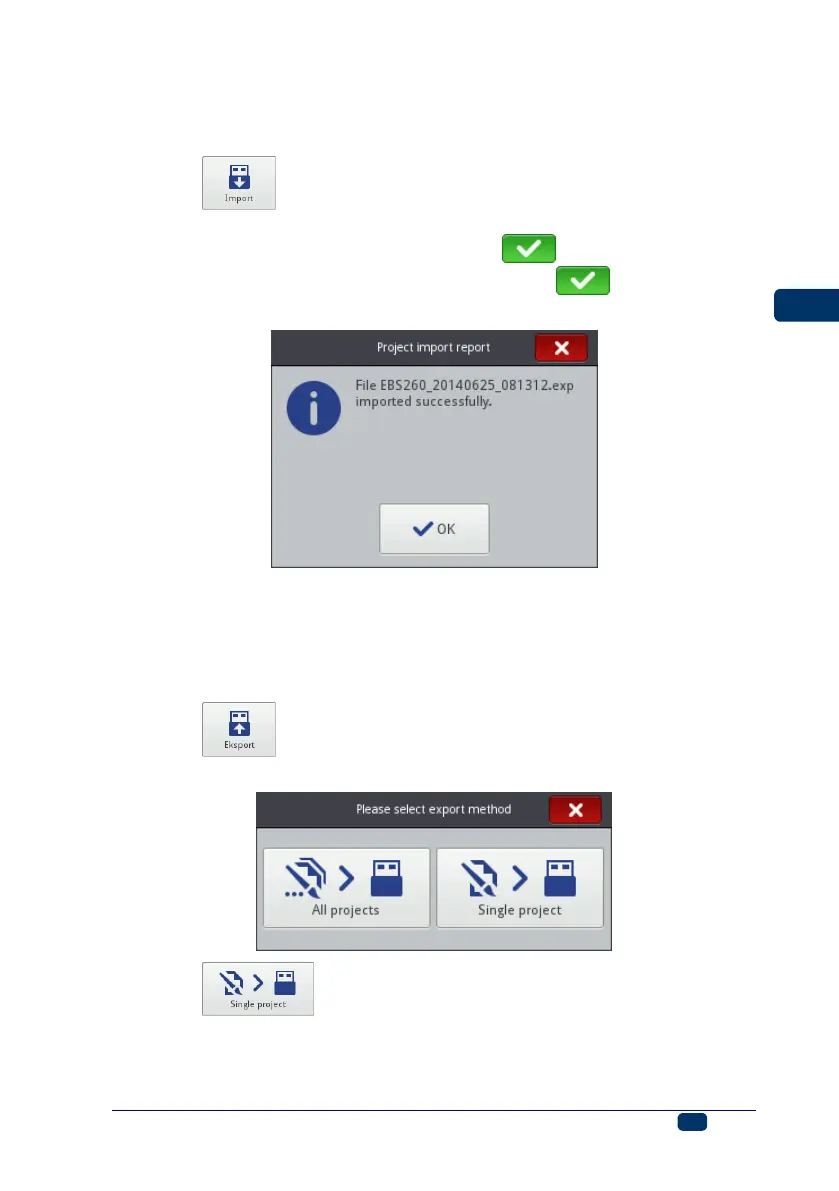
Touch the button. Choose a file with the extension EXP in the file list
on the screen displayed or touch the text field and type in the name of a file via
the keypad displayed, and then confirm with the button. On choosing the
file or typing in its name, confirm the selection with the button. When the
file is imported successfully, the following message is displayed:
Exporting Projects
With the export project function you can save the projects that are in printer
memory in order to use them in another printer and make a backup copy.
NOTE! It is recommended that backup copies are made regularly to protect the
data against loss.
Touch the button. Choose a mode of export on the screen displayed:
All projects or Single project.
Touch the button to export a single file. On the screen displayed
choose a file with the extension PRJ in the list or touch the text field at the top of
the screen and type in the mane of a file via the keypad displayed and confirm



 To Next Page