20140704#1.0 EBS Ink Jet Systeme
117
The messages are displayed one below the other. You can delete one message
with the button or all messages with the button.
If there are no messages at any moment, the message window is pulled up.
Printing
Each time the printer is switched on, precede the target printout with a test
printout in order to make sure that all printing parameters are set properly and
the nozzles jet ink drops properly.
Opening Project for Printing
Opening a Project for Printing via Printer LCD
Open a project for printing with the button (L) or choose a project with the
or buttons to switch between projects within a given folder.
The project open for printing can be edited before printing. You can modify the
following:
The project contents – by touching the edit button (M), and then the
Project button,
Printing parameters (basic) with sliders in the printing parameter windows
on the main screen,
Printing parameters (general) – by touching the edit button (M), and
then the Parameters button.
When the editing is finished, touch the button (N) if you wish to save the
changes. If a change is not saved, the project can be printed with the changed
contents or parameter setting only until the project is modified again or the
printer is switched off.
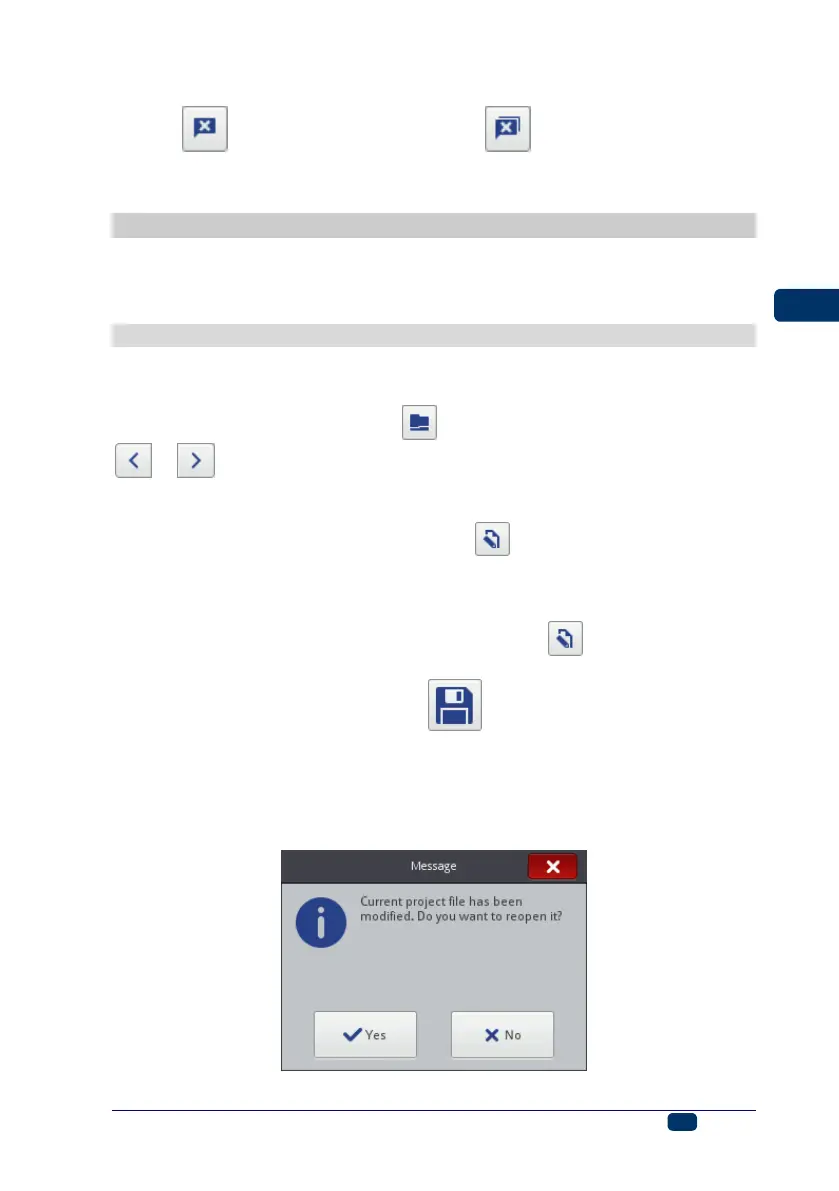
If you modify a project open for printing or parameters of such a project via a
Web Browser, the following message is displayed on the printer LCD:
If you wish to print an updated project, touch the Yes button.



 To Next Page