110
EBS Ink Jet Systeme 20140704#1.0
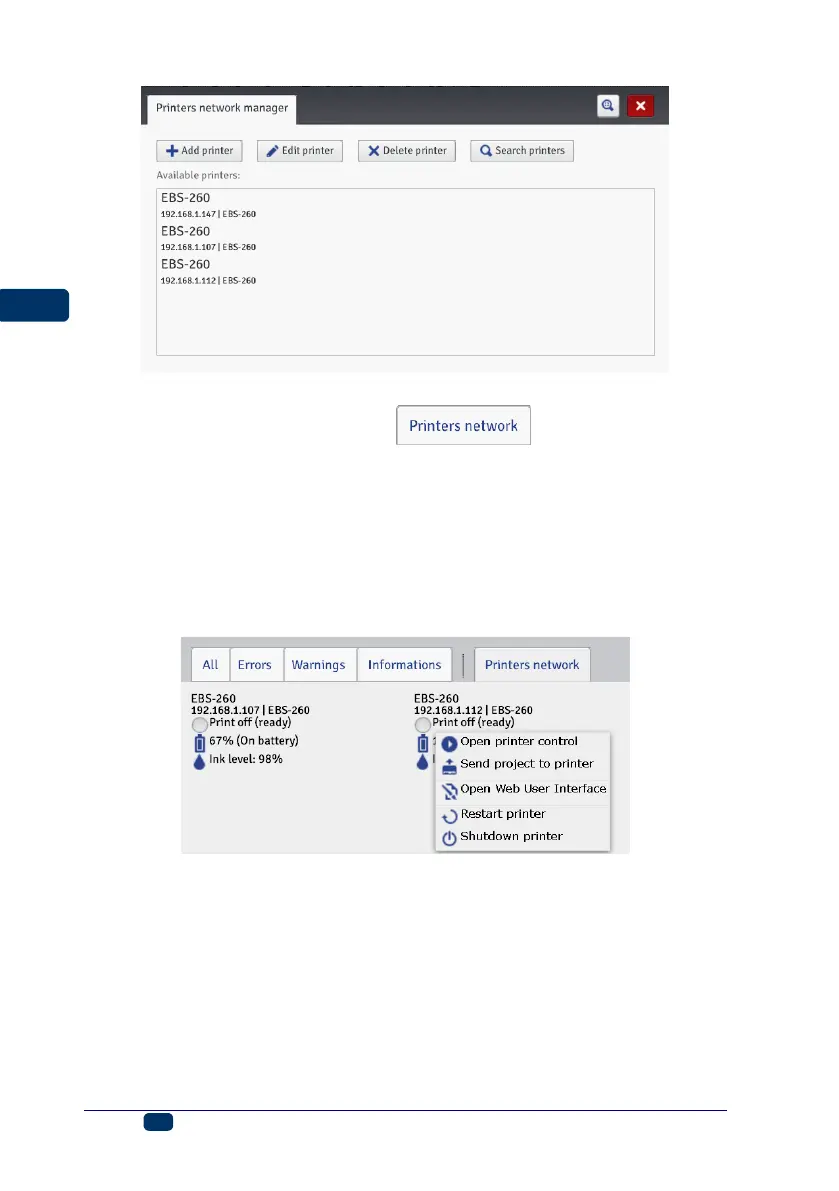
You can manage the listed printers via a printer network. The printer network
window is accessible by touching the button, which is on the
WUI bottom bar – see Work Screen of EBS Web User Interface (p. 74).
In the Printer network window you can see the list of printers together with the
following data:
Type of printer,
Printer IP address,
Printing status,
Batteries status,
Ink container status.
Point out the name of a printer with the cursor and press the left-mouse button.
A pop-up or pop-down menu appears. With this menu you can do the following:
Open the printer control window – see Printer Control (p. 115),
Transfer a project to the printer – see Export Project (p. 79),
Open EBS Web User Interface,
Restart the printer,
Switch the printer off.
Language Manager
In the Tools menu, which is on the menu bar, you can choose Language
manager. The processor starts running and in the window displayed you can



 To Next Page