20140704#1.0 EBS Ink Jet Systeme
105
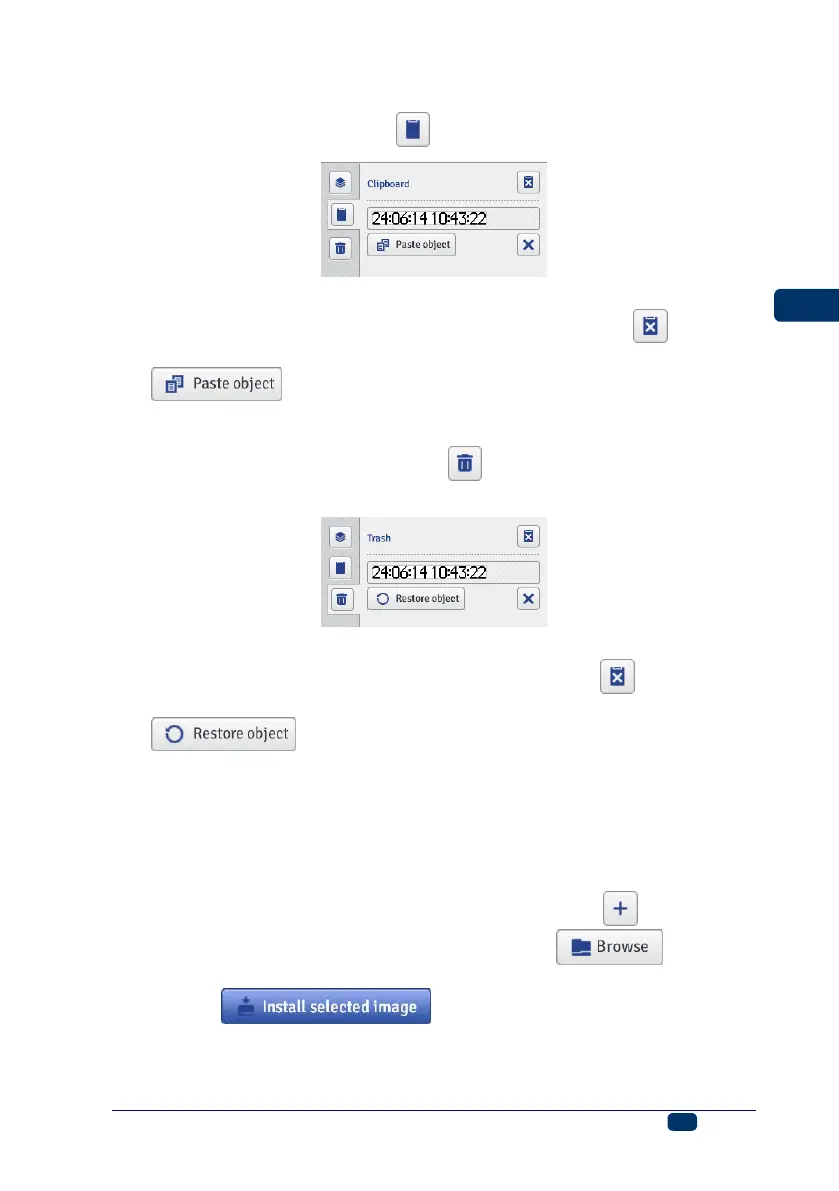
Clipboard
The clipboard is accessible with the button on the vertical right-hand tool bar.
The following operations can be performed on clipboard objects:
You can delete one or all objects from the clipboard with the button,
You can paste an object put into the clipboard to a project with the
button.
Trash
The trash is accessible by touching the button on the vertical right-hand
tool bar.
The following operations can be performed on trash objects:
You can delete one or all objects from the trash with the button,
You can restore a highlighted object into the list of objects with the
button.
Tools
Image Manager
In the Tools menu, which is on the menu bar, you can choose Images
manager. With the Manager you can do the following:
You can save a new image in printer memory with the button. In the
window displayed should touch the text field or the button and
choose an image to be installed from computer disc. Confirm the operation
with the button. The number of images you can
install is constrained by the printer memory available.



 To Next Page