114
EBS Ink Jet Systeme 20140704#1.0
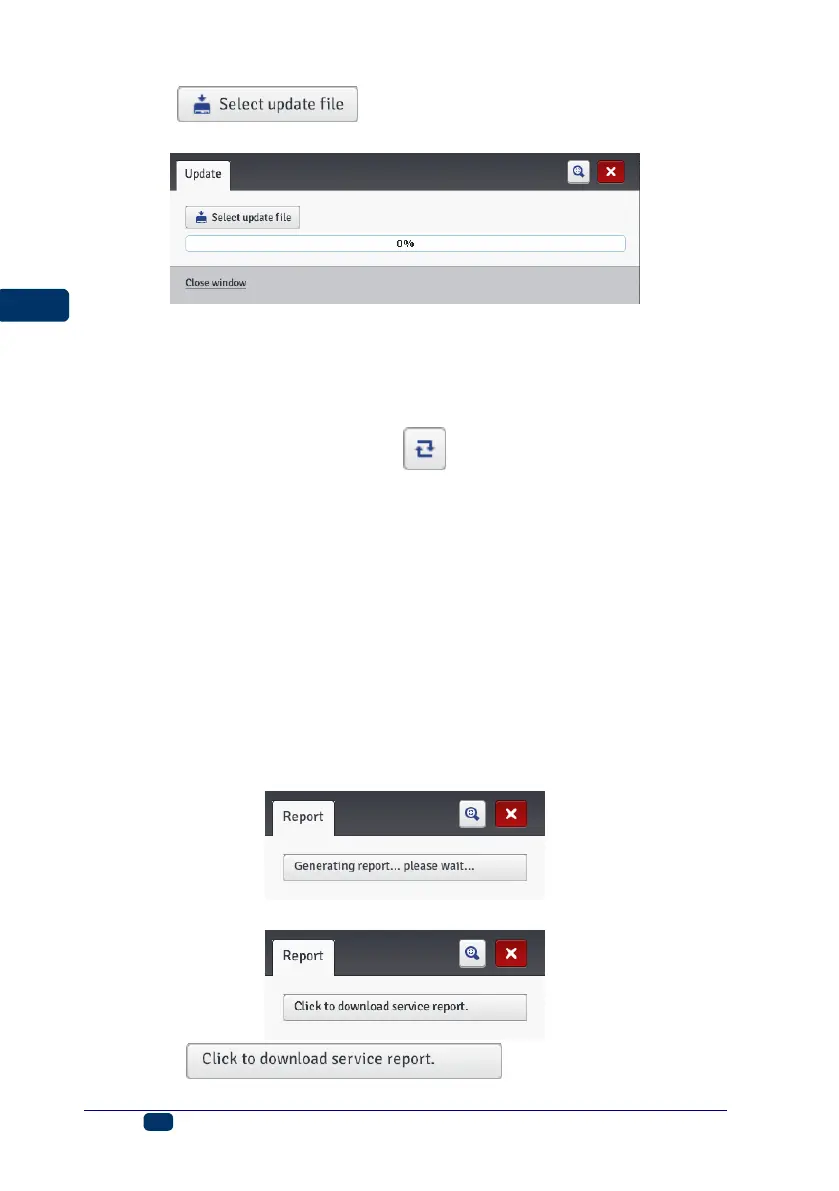
Touch the button. On the screen displayed choose an
update file with the extension EBS in the list and touch the Open button.
Log
In the Service menu, which is on the menu bar, choose Log.
The Log window shows all the events (e.g. user logging in, opening and editing
a project, starting printing, etc.) that took place both during printer operation,
Printer log and when the processor was used, Editor log. When you switch
from one option to the other touch the Reload log file button in order to
update the data displayed.
Generate Service Report
In the Service menu, which is on the menu bar, choose Generate service report.
This function enables you to generate an electronic report on the condition of the
printer. Should a problem with the printer occur, the report shall be e-mailed to a
distributor or a point where the printer can be serviced. This is a prerequisite for
starting the service procedure. An analysis of report by specialist personnel
facilitates identification of the problem that occurred during printer operation.
The service report can also be used for activating a new option if a problem with
standard activation occurs. The information contained in the service report
forms the basis for generation and transfer of a file that makes the activation of
that new option possible – see Install Option (p. 115).
When the following window is displayed after the Generate service report
command has been given, this means that the report is being generated.
When the report is generated, the window changes its appearance to:
Touch the button and then choose
where the report file is to be saved on computer disc.



 To Next Page