34
EBS Ink Jet Systeme 20140704#1.0
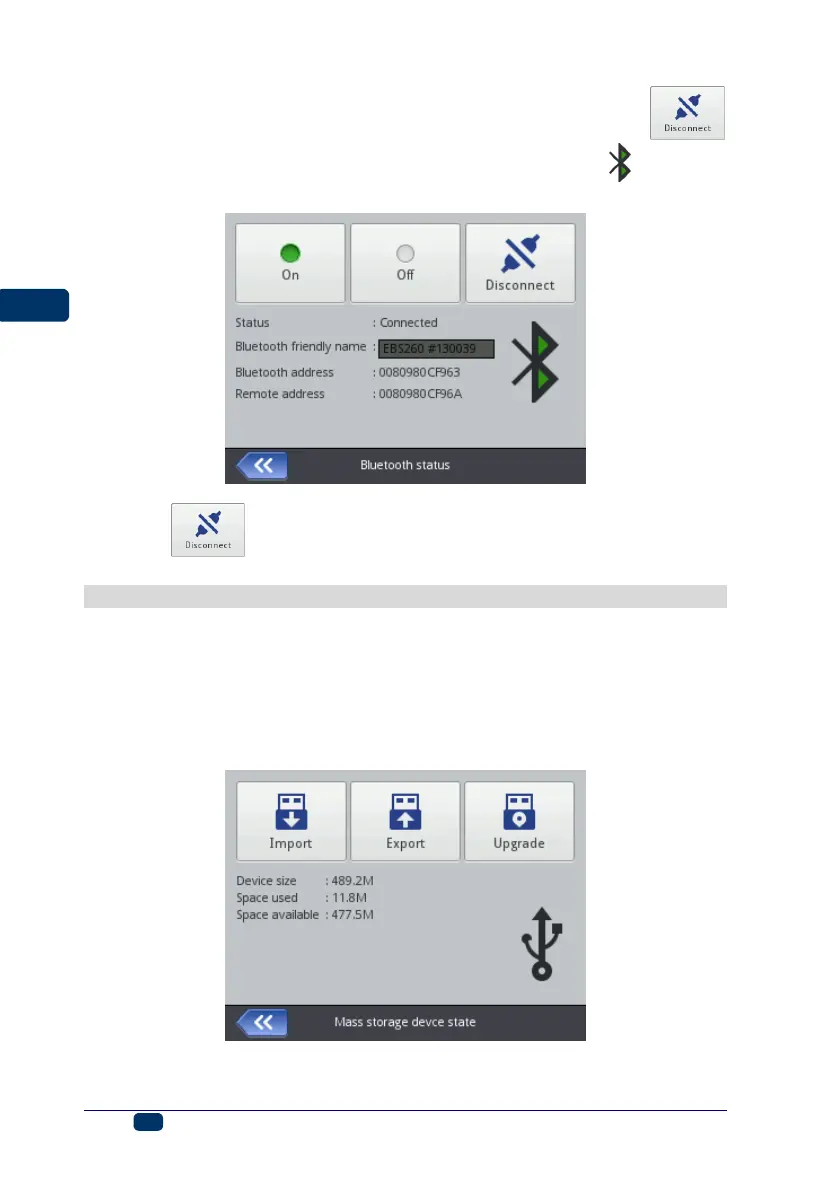
3. When the connection to the chosen device is made successfully, the
button is displayed on the Bluetooth settings screen, so is the icon on the
status bar, and diode 21 emits blue light.
Touch the button in order to finish the connection.
Connecting USB Disc to the Printer
If you connect a disc to the printer via USB port 9, you can import and export
files and update printer software.
The USB disc must be formatted in the FAT or FAT32 file system.
The USB disc tools are accessible in two ways:
By touching icon E on the status bar of the main screen (the icon is
displayed when a disc is connected to the printer), or
By touching the Tools (U), Service and USB buttons in turn:



 To Next Page