20140704#1.0 EBS Ink Jet Systeme
39
Statistics
The statistics are accessible after the Tools (U) and Statistics buttons are
touched in turn.
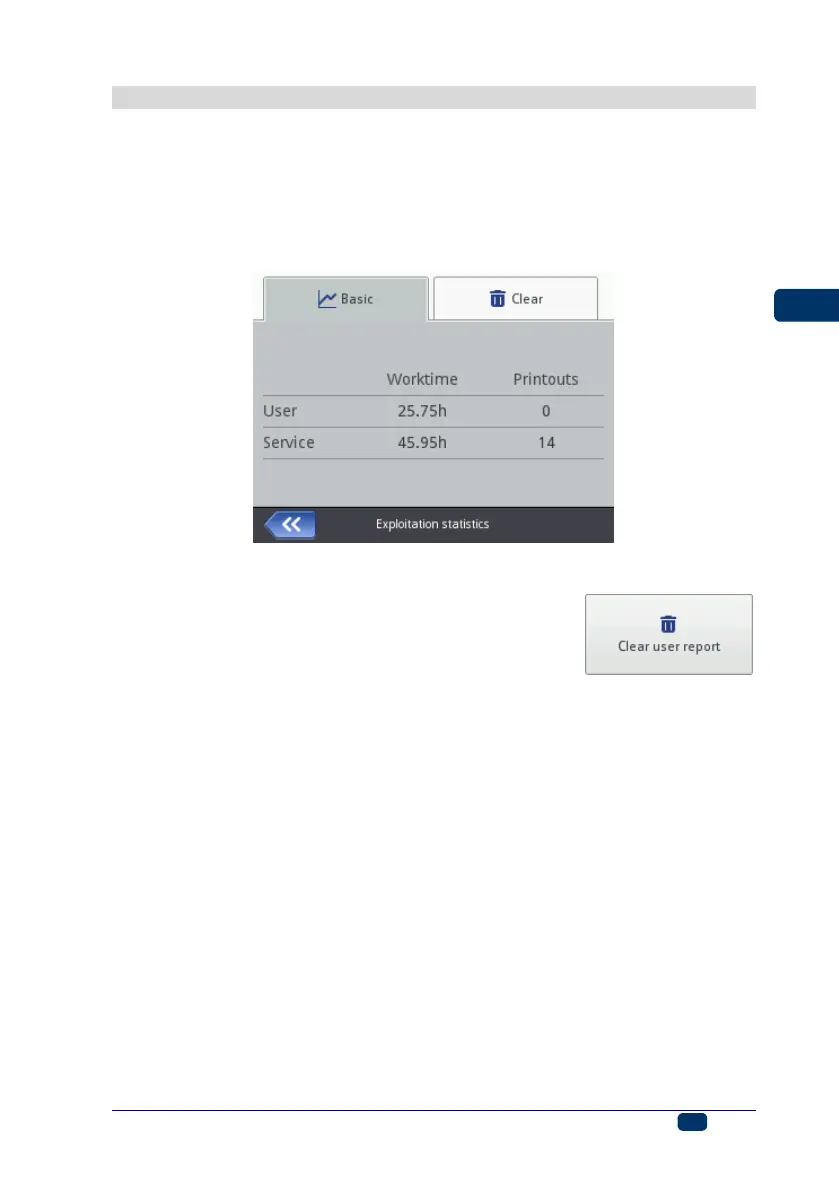
On the screen displayed, in the Basic sheet tab you can view the data on the
number of hours the printer has run (work time) and on the number of prints
made, presented in a user report and a service report (general statistics). Every
report is updated after printing has been disabled (see Printing a Project (p.
118)) and the statistics window re-opened.
The user report is generated for all users generally. If you wish to obtain a
separate report for a given user, clear the statistics at the beginning of work. For
that purpose, go to the Clear sheet tab and touch the
button.
The general statistics (service report) can be deleted by a Service-type user.



 To Next Page