20140704#1.0 EBS Ink Jet Systeme
79
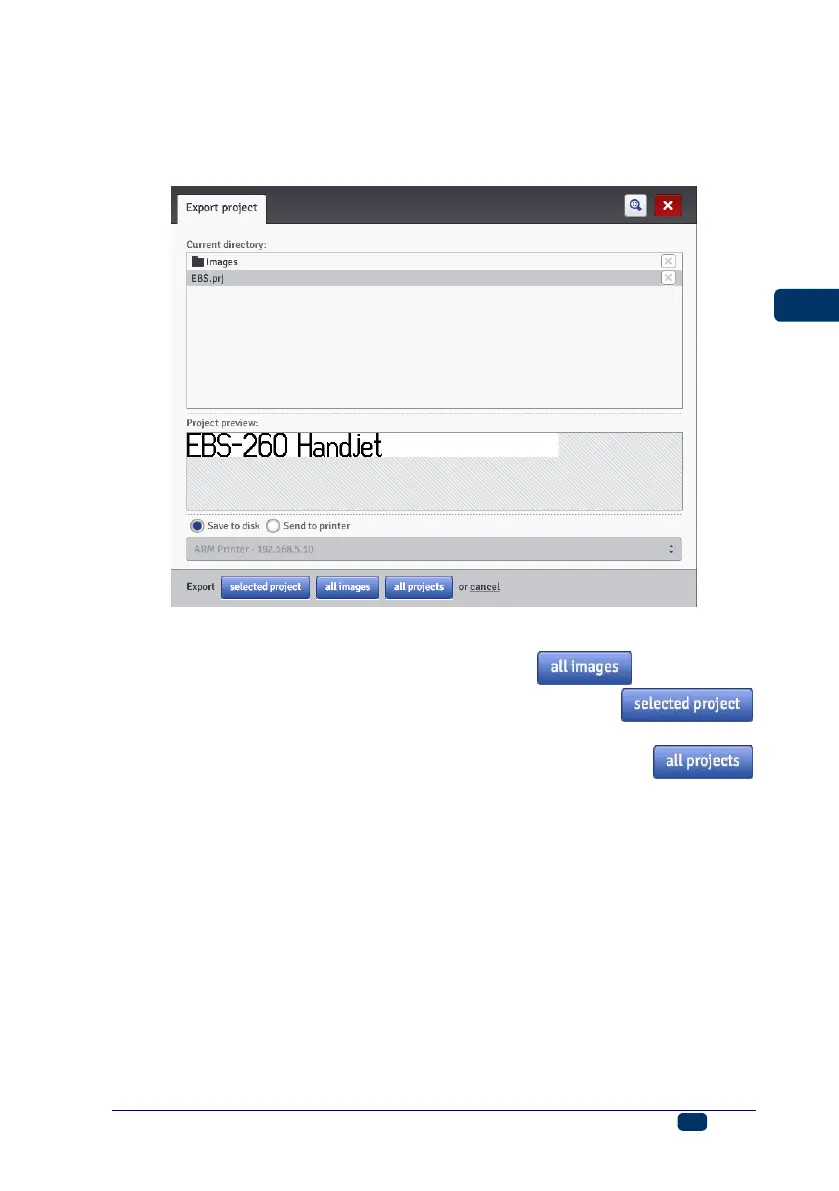
Export Project
In the Projects menu, which is on the menu bar, choose the Export project
command. Projects and also images that are on printer disc can be exported for use
on another printer or as a backup copy.
You can copy the following:
All images saved in the Images folder – with the button.
One, selected project (highlighted in the list) – with the
button.
All projects saved in internal memory of the printer – with the
button.
They are exported to:
A disc file – files are exported as .exp files (choose the Save to disk
circle),
A printer to be chosen in the drop-down list (choose the Send to printer
circle). If the printer you would like to export to is not in the drop-down list,
you can add such a printer to the list (see Printers Network Manager (p.
109)).
Project Processor
Open a project with the Create new project or Open project command – the
project processor window opens.
The project processor consists of several parts: an edit area, four tool bars and
auxiliary rulers.



 To Next Page