20140704#1.0 EBS Ink Jet Systeme
119
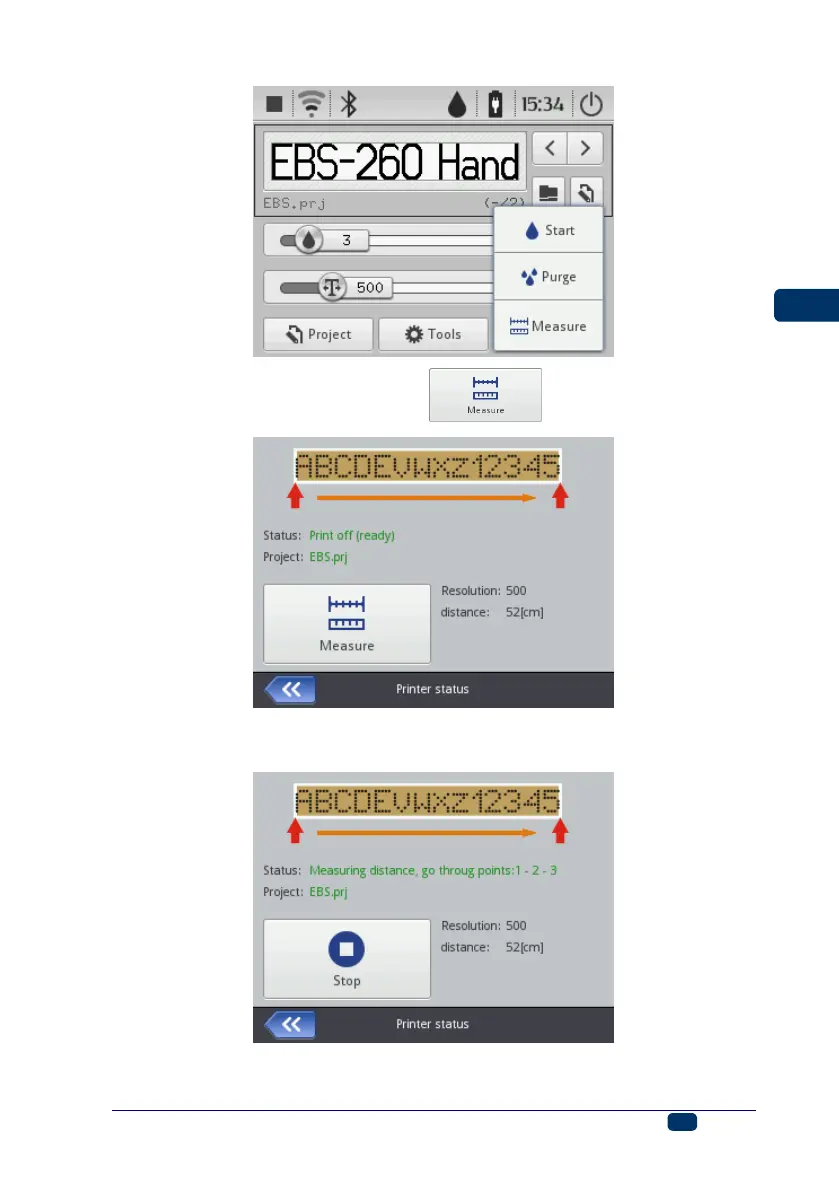
3. On the screen displayed touch the button.
4. Put the printer to the place on a surface where a print is to begin and press
trigger 6 on the printer.
5. Move the printer to the place where the print is to end (lower roll 3 must have
permanent contact with the surface to be labeled) and press release 6.



 To Next Page