20140704#1.0 EBS Ink Jet Systeme
31
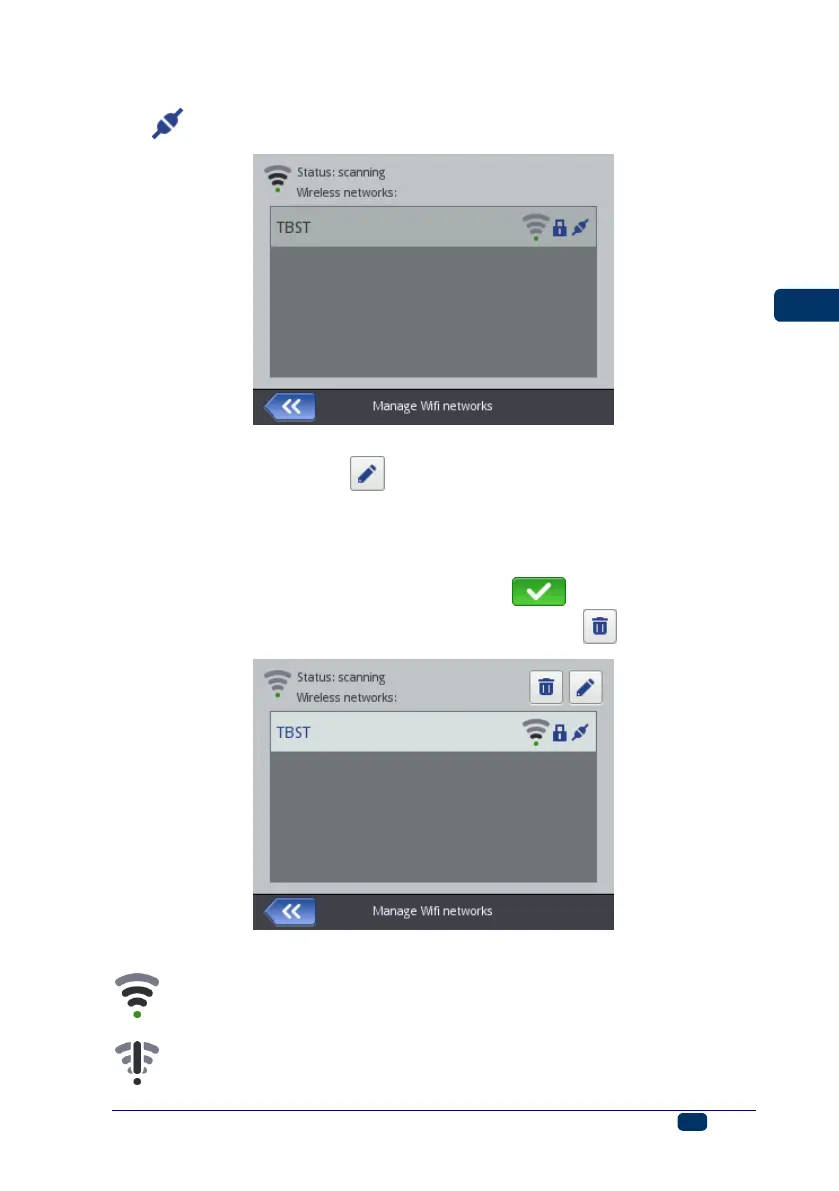
4. The successful connection with the selected network is confirmed with the
icon that is displayed by the network name.
5. If you wish to modify the settings of a WiFi network, highlight the network in
the list and touch the button. The Basic sheet tab contains the
parameter called Do not connect to this network. The parameter is useful
when there are several networks with a similar signal strength in the list (the
printer might switch among the networks then). If the check box of that
parameter is ticked, no connection to a given network is made automatically.
Confirm the modification to the data with the button. You can delete
the configuration data for a given WiFi network with the button.
A WiFi status icon is displayed in the left top corner of main screen 12:
– connection via WiFi is available (the number of black arcs shows the
signal strength),
– unknown WiFi status or an error,



 To Next Page