20140704#1.0 EBS Ink Jet Systeme
89
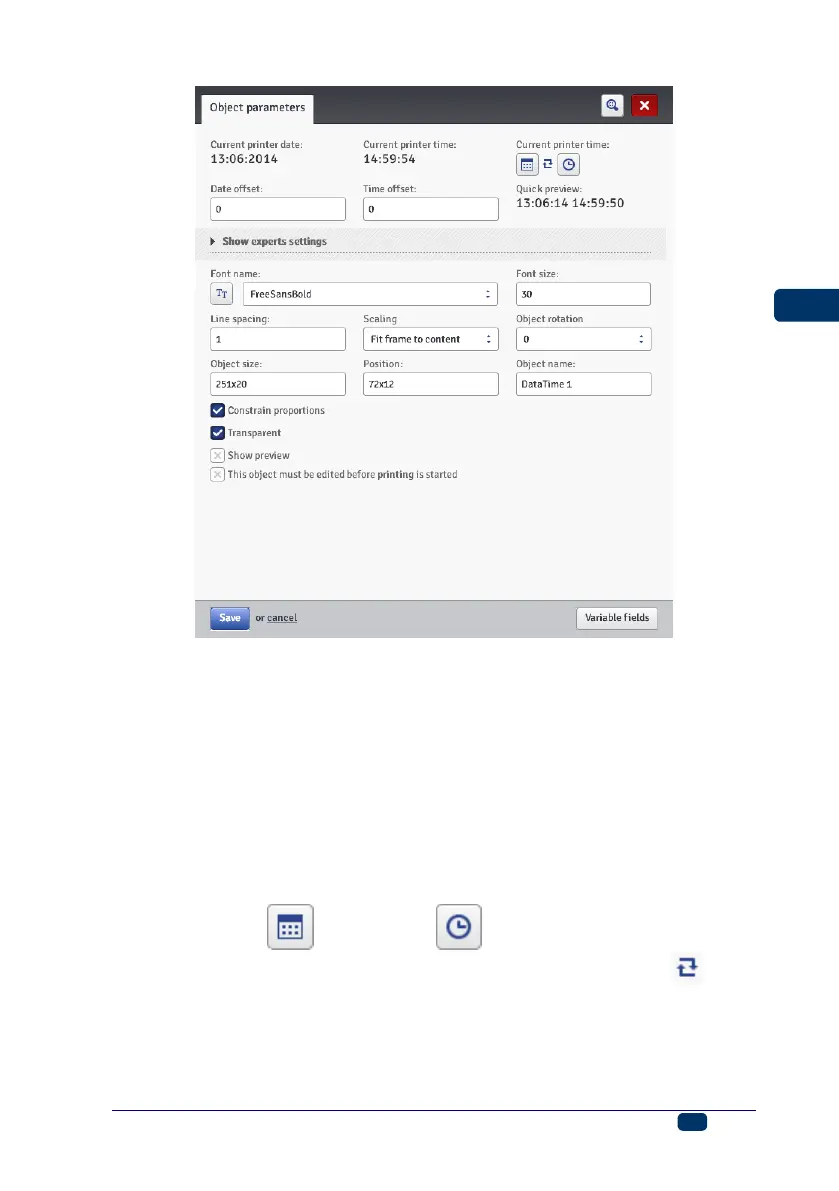
The Current printer date parameter shows the current date indicated by the
printer
The Current printer time parameter shows the current time indicated by the
printer.
The Date offset parameter allows you to shift the current date by a set number of
days, in order to include the expiration date, for example.
The Time offset parameter allows you to readjust the current time by a set
number of hours (up to 24). The modification can impact on date shifting. Such a
change may cause a calendar day to start at a different time than 00:00 (e.g. at 6
o'clock a.m., when a morning shift in the factory starts).
By touching the calendar or clock button you can choose
components for printing – the date, the time or both of them. With the arrow
icon you can change the order of these components.
When more advanced functions are needed, use expert mode (Show experts
settings). In the expert mode you can modify separators and date and time
format, and also choose other date and time components and separators that



 To Next Page