92
EBS Ink Jet Systeme 20140704#1.0
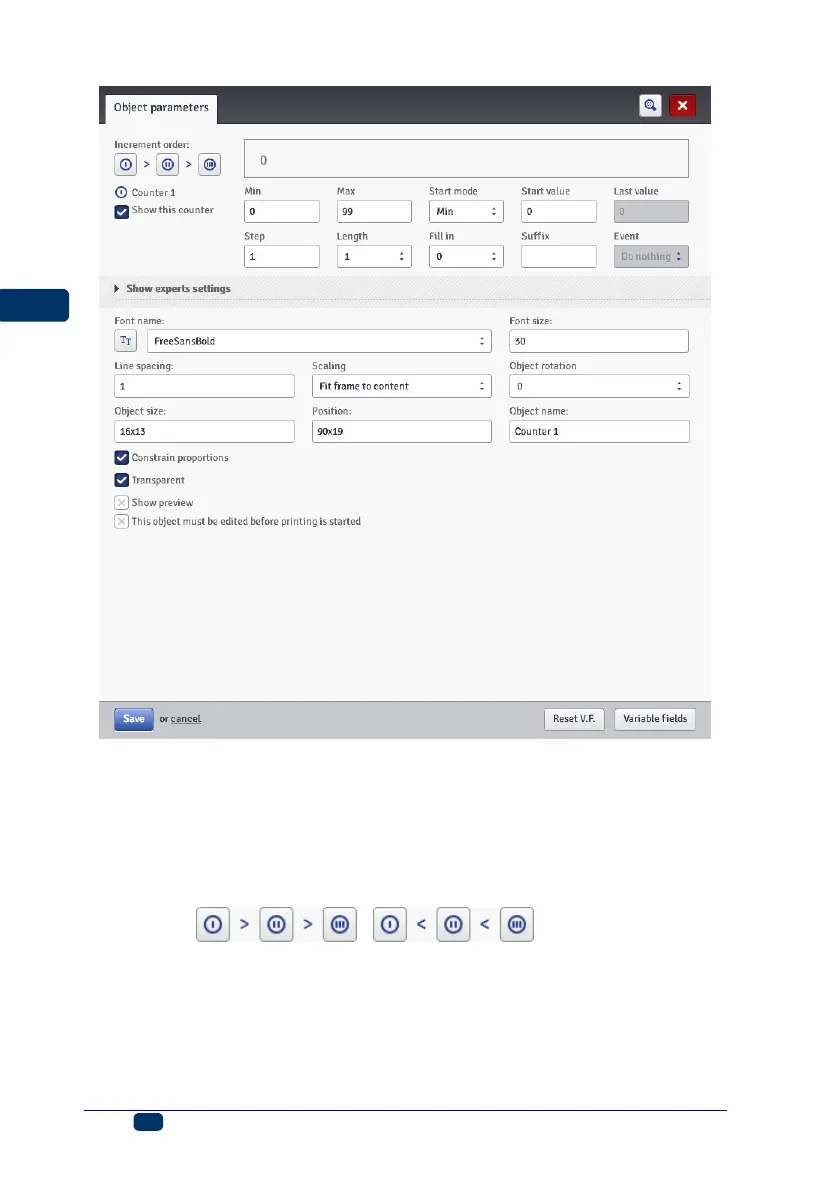
The Counter consists of a cascade of three identical sections. For simple
counting of articles, it is enough to use one, the first section and the default
settings to create a counter–type object. When more advanced functions are
needed, use expert mode (Show experts settings). All counter sections are
visible in the expert mode. Each of the sections can be visible (displayed) or
not. If you know the configuration of one section, you can easily configure the
other as they are identical.
By touching ( ) you can change the
Increment order. The parameter defines which of the sections is considered as
first and what the timing order is. The section timed first receives a timing pulse
whenever a print is to be made. Every successive section receives a timing pulse
from the previous section, when that section has counted to the end (that is, to the
Max setting when the counter is incremented or to the Min setting when it is
decremented). The timing pulse modifies the counter by a set Step.



 To Next Page