20140704#1.0 EBS Ink Jet Systeme
97
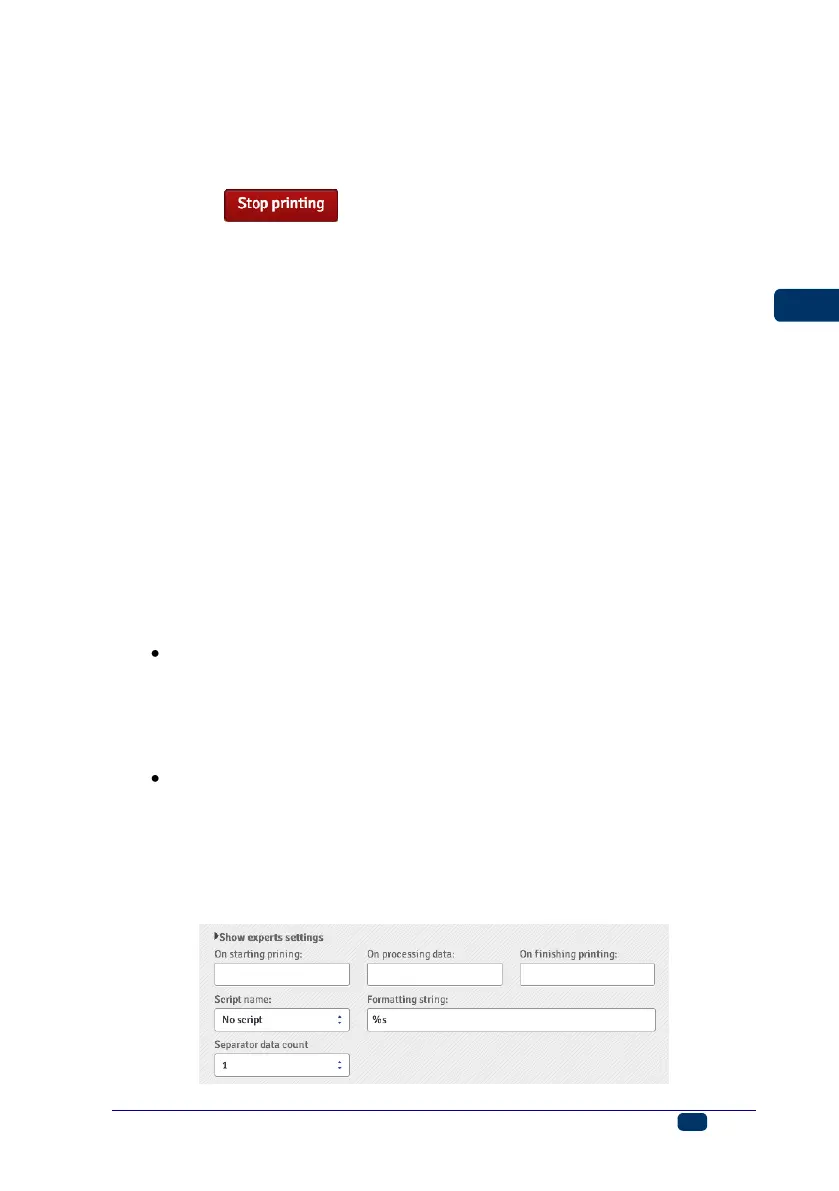
On processing data – it defines the data to be transferred from the printer
to the external device each time a project containing the Communications
port object has been printed.
On finishing printing – it defines the data to be transferred from the
printer to the external device immediately after printing has been stopped
(with the button on the Printer control panel).
Script name – with this field you can choose a script to which data is
transferred for processing before it is printed (it allows you to search for
data for printing in, for example, a database, Excel files, a csv file, etc.).
Scripted files must be stored in the custom_data folder in the user partition
of internal printer memory. The partition can be accessed in a network
environment. For more information on the subject of scripts refer to the
document entitled Managing the processing of data transferred by
COMMUNICATIONS PORT in the EBS printers.
Formatting string – this is an advanced mode of formatting of the data
transferred from an external device to the printer. It describes how the
incoming data is interpreted by the Printing Manager. Markers applied: %s
– a character string, %d – a number.
Separator data count defines to how many parts the data transferred via
the communications port is to be divided. If the parameter is set to 1,
everything transferred to the communications port is to be printed in the
object. Otherwise, the user can choose to which of the objects each of the
data portions transferred via the communications port should go, with the
first part always going to that object. When the Separator data count
parameter is set to a value greater than 1, the following options are
additionally available:
Separator character – it defines the character that separates portions
of the data transferred via the communications port from each other.
Additionally, you can give the ASCII code of the character that is used
as a separator of the data to be received. For that purpose tick the
ASCII code check box, and type in the ASCII code of the data
separator in decimal notation in the Separator character field.
Object X – it means the name of an object to which the separated data
portion received via the port and defined by X should go. You can only
choose from the objects that are used for a given project and to which
this data can go. The maximum number of separated portions of data
is 10 (if a project contains 12 objects, the data can be divided into 10
of them). The object containing a portion of the data transferred via the
communications port is additionally highlighted in a color.



 To Next Page