RESTRICTED USE ONLY Fargo Electronics, Inc.
DTC400e Card Printer User Guide (L001172 Rev. 1.1)
5-26
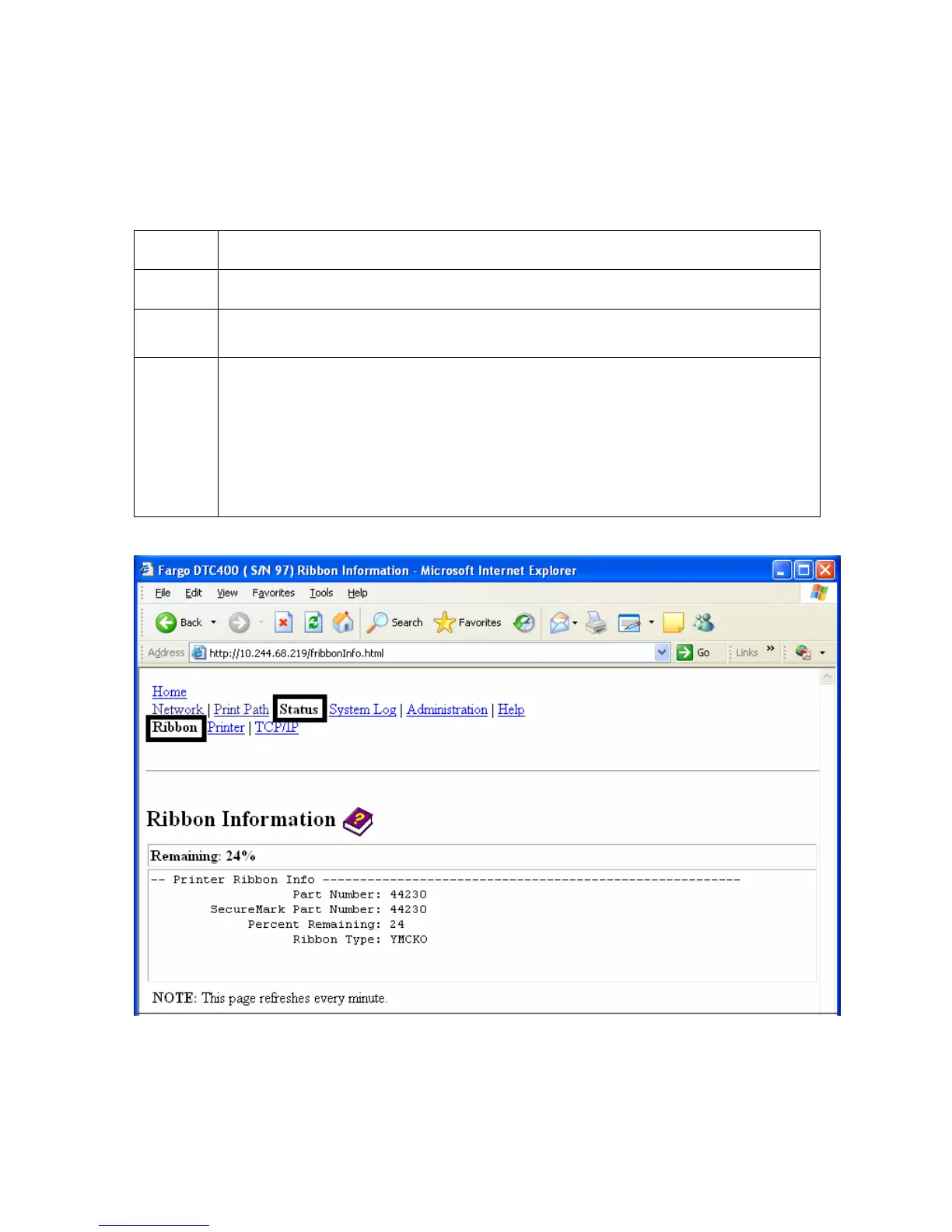
Using the Ribbon Information page
The Ribbon page displays Ribbon information about the Ribbon (currently installed in the
Printer).
Step Procedure
1 Select the Status link from any web page of the Printer.
2 Select the Ribbon page link.
3 View currently-installed Ribbon information pertaining to the following:
• Part Number
• SecureMark Part Number
• Percent Remaining
• Ribbon Type



 To Next Page