RESTRICTED USE ONLY Fargo Electronics, Inc.
DTC400e Card Printer User Guide (L001172 Rev. 1.1)
6-39
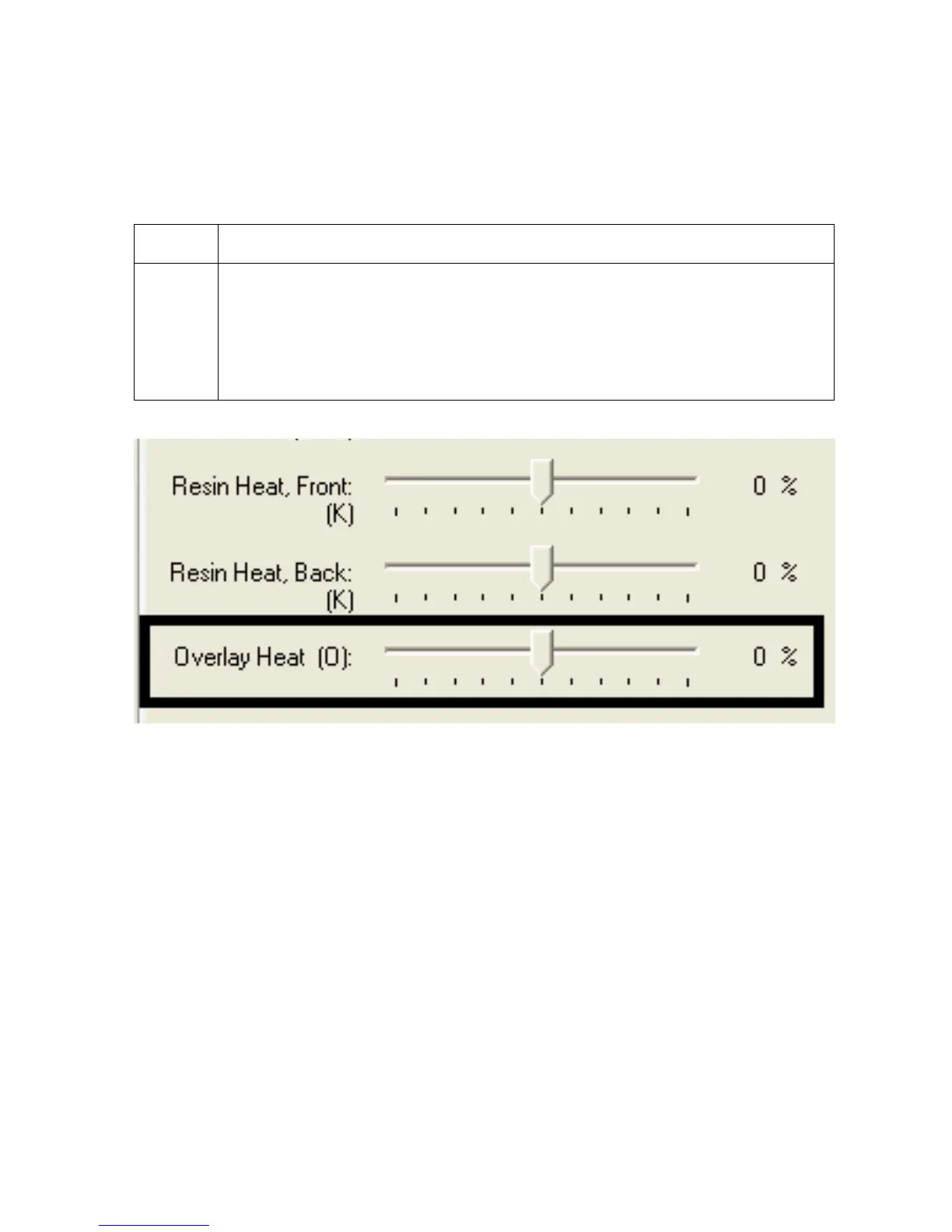
Using the Overlay Heat (O) option
Use this option to control the amount of heat the Printer uses when printing with the overlay
panel of a Ribbon. (Note: This control can be helpful for fine-tuning the transfer of overlay
onto the card.)
Step Procedure
1 Move the slide to the left to cause less heat to be used in the printing process.
(Note: Certain card types may need additional heat for better transfer of the
overlay material.)
OR
Move the slide to the right to cause more heat to be used.



 To Next Page