RESTRICTED USE ONLY Fargo Electronics, Inc.
DTC400e Card Printer User Guide (L001172 Rev. 1.1)
6-8
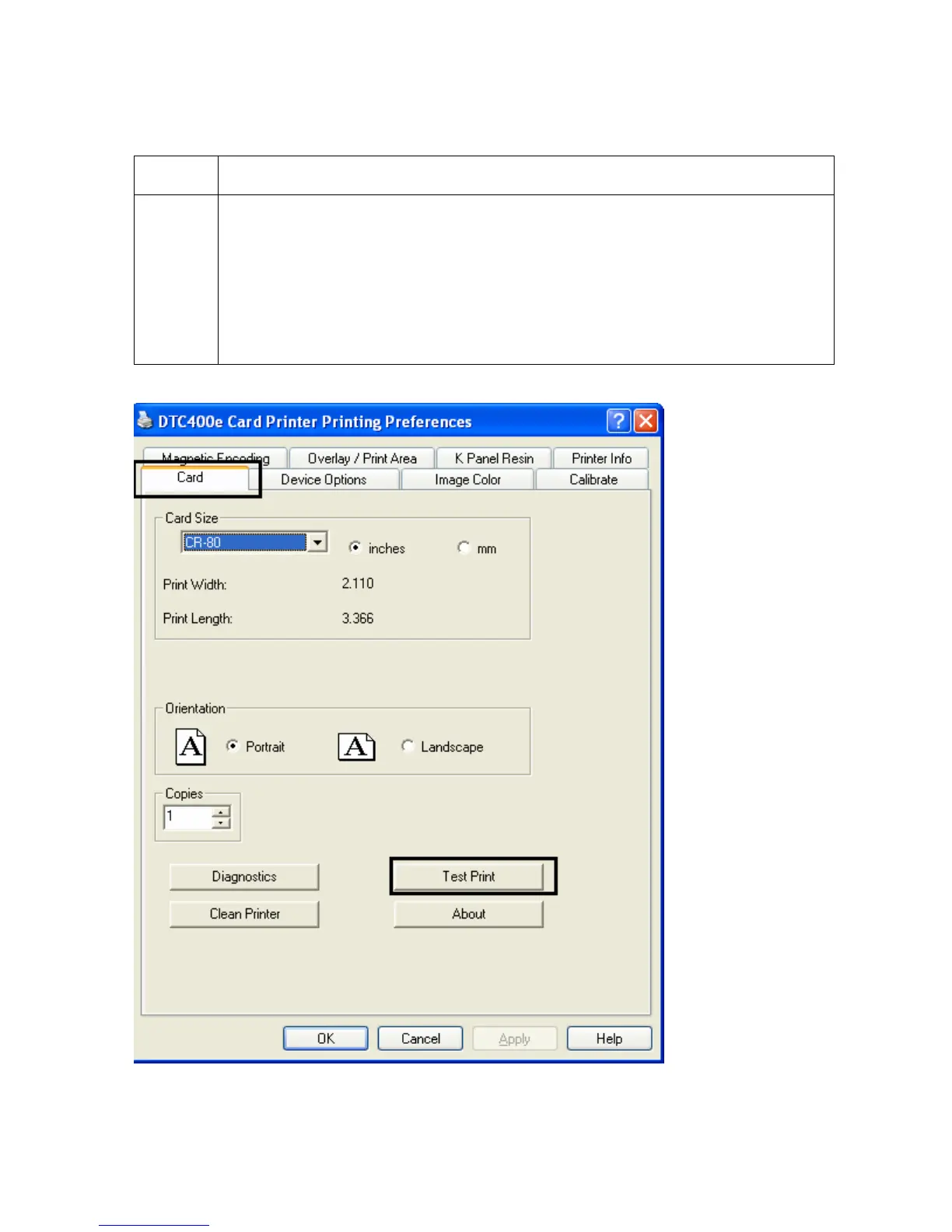
Using the Test Print button
Step Description
1 Click Test Print to send a simple self-test print to the Printer.
• Ensure that the YMCKO Ribbon is installed.
• Ensure that the computer is effectively communicating with the Printer and
that the Printer is functioning properly.
• Ensure that the YMCKOK Ribbon is installed in order for a DTC400e Card
Printer with a Flipper Table Module to print a dual-sided image.



 To Next Page