RESTRICTED USE ONLY Fargo Electronics, Inc.
DTC400e Card Printer User Guide (L001172 Rev. 1.1)
6-48
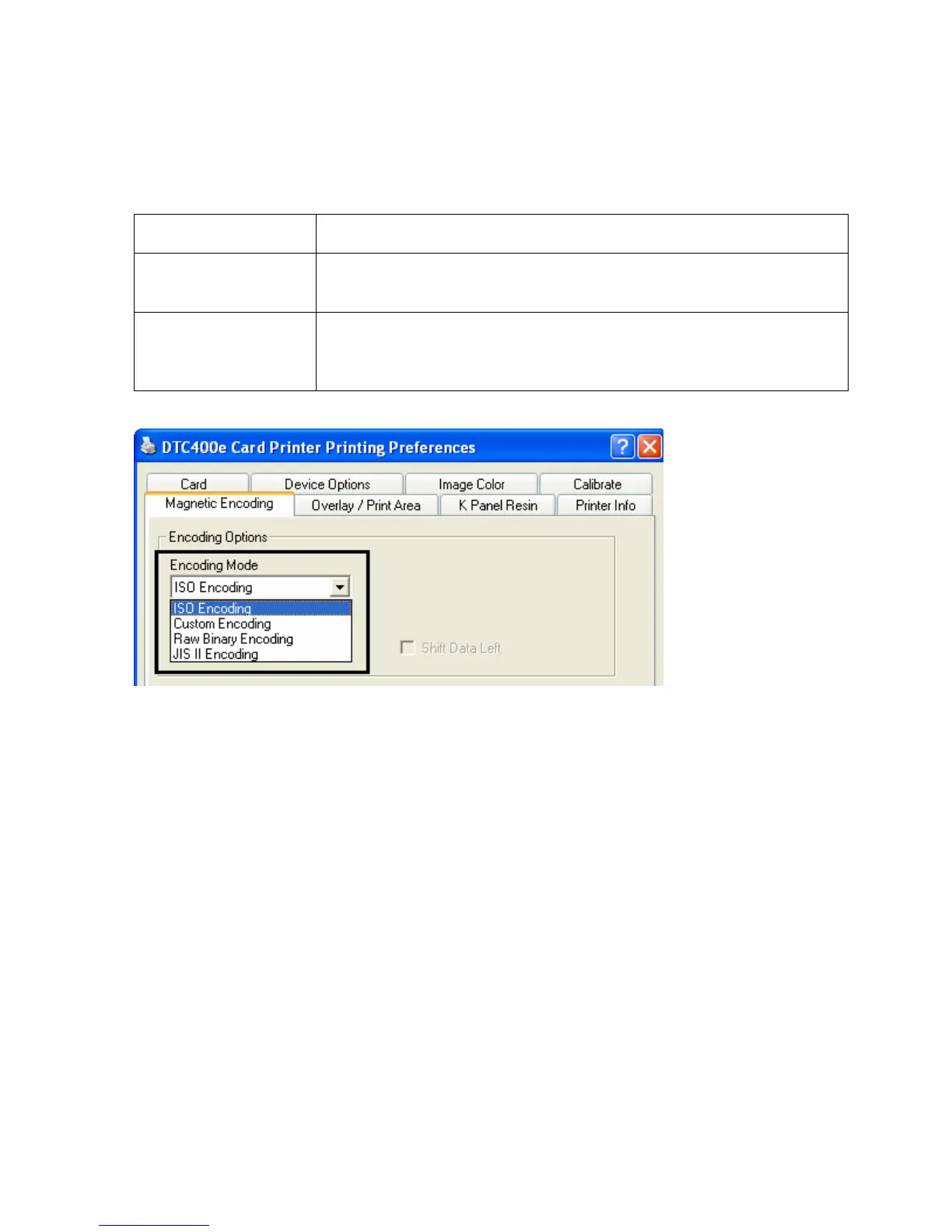
Using the Encoding Mode dropdown list
You can use the Encoding Mode option in order to specify which magnetic encoding
standard to use.
Category Description
Installation The DTC400e Card Printer can be installed with one of two types of
factory-installed Magnetic Stripe Encoding Modules.
Magnetic Encoding
options (changing
and modifying)
Change the encoding mode and coercivity setting or modify the ISO
standards for Tracks 1, 2 and 3. This can be done by correctly
modifying these Magnetic Encoding options.



 To Next Page