RESTRICTED USE ONLY Fargo Electronics, Inc.
DTC400e Card Printer User Guide (L001172 Rev. 1.1)
6-49
Using the Encoding Mode dropdown list (continued)
Category Description
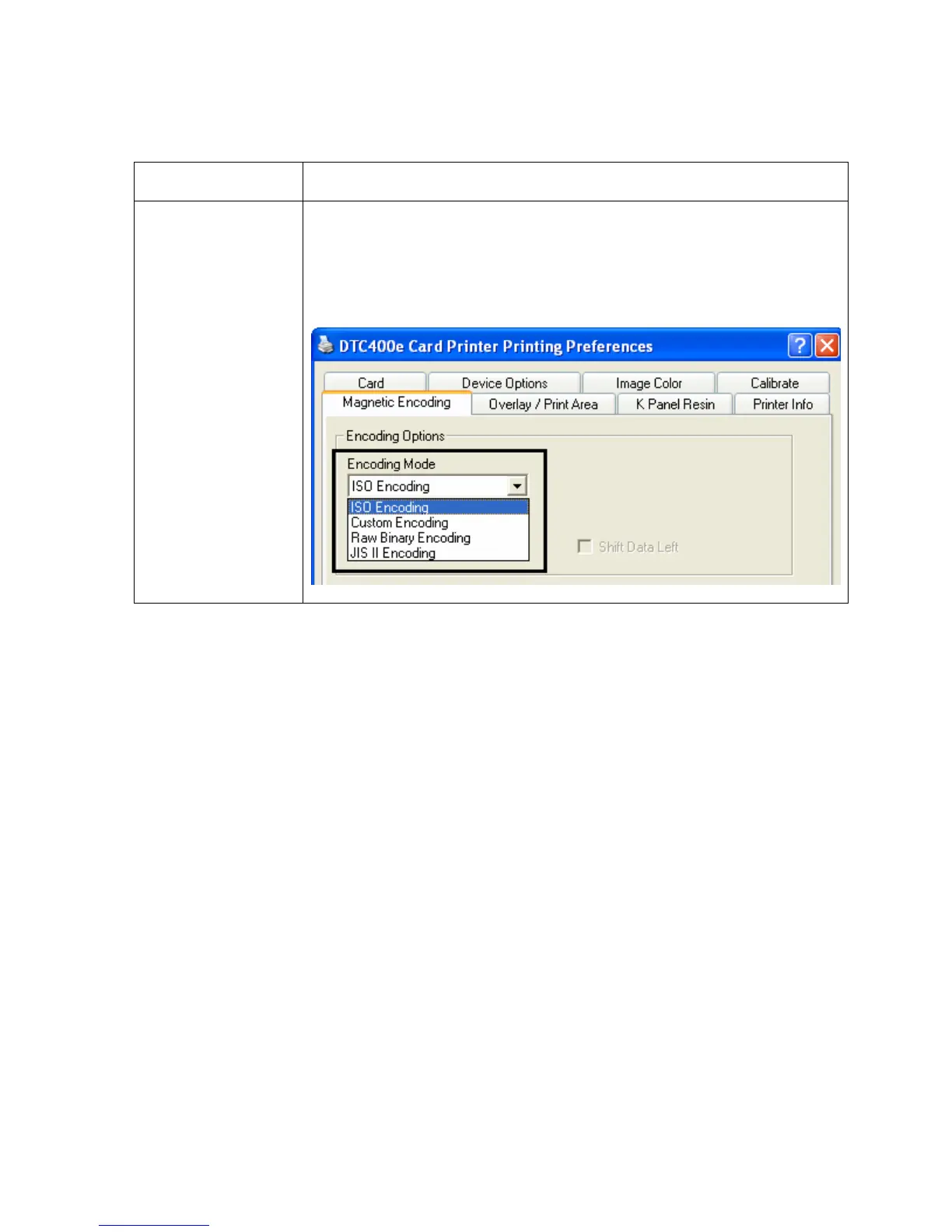
ISO Encoding
selection (active
and inactive
functions)
If you select ISO Encoding, you send down a formatted set of
characters. (Note: This selection activates the track tabs. However,
all functions on the Track tabs are inactive or gray and display ISO
defaults, which are the defaults listed for each track below. The Shift
Data Left check box remains unchecked and inactive.)



 To Next Page