RESTRICTED USE ONLY Fargo Electronics, Inc.
DTC400e Card Printer User Guide (L001172 Rev. 1.1)
6-74
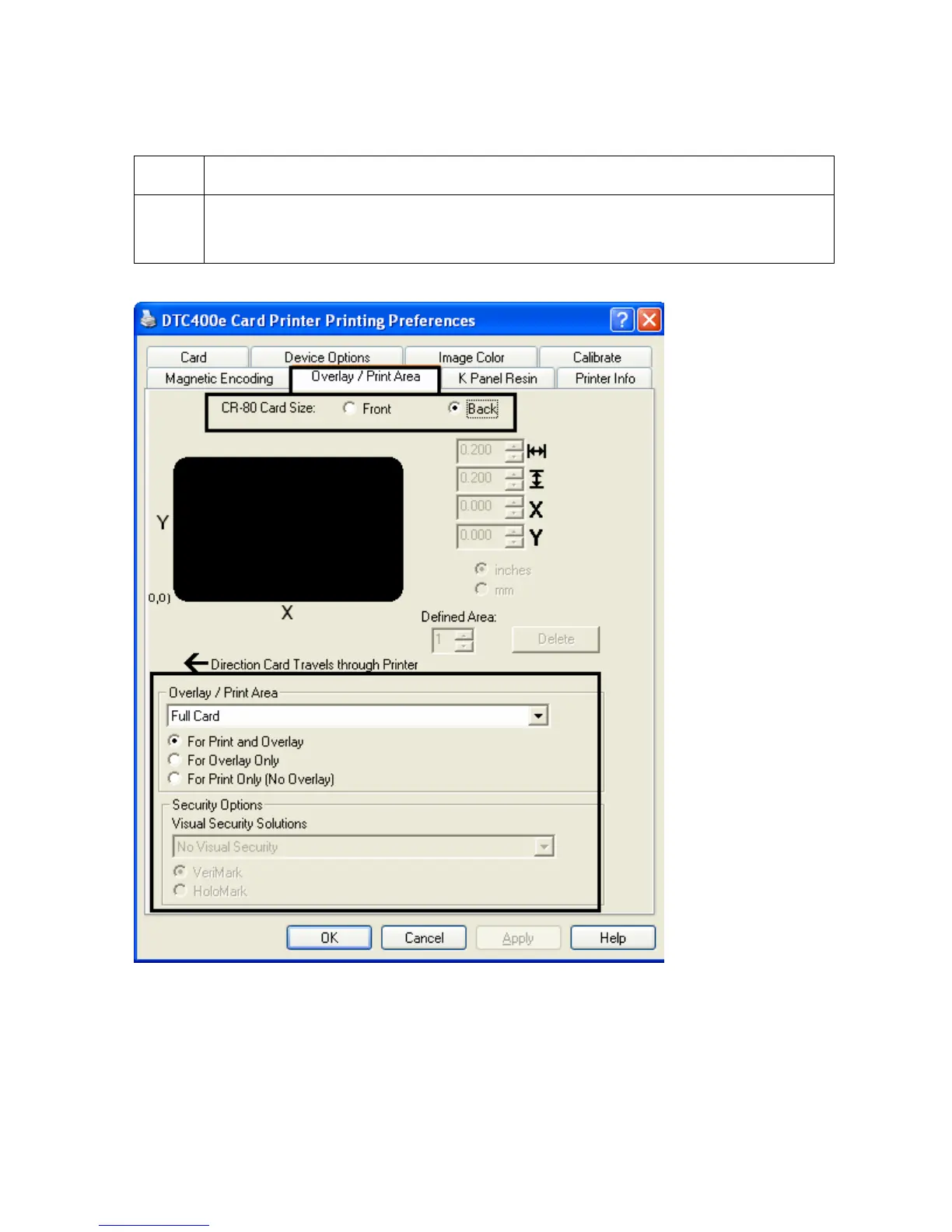
Using the Back option (Overlay / Print Area)
Step Procedure
1 Select Back to view the Overlay/Print area options for the back of the card.
(Note: The Back option is only available if Print Both Sides is selected.)



 To Next Page