RESTRICTED USE ONLY Fargo Electronics, Inc.
DTC400e Card Printer User Guide (L001172 Rev. 1.1)
6-38
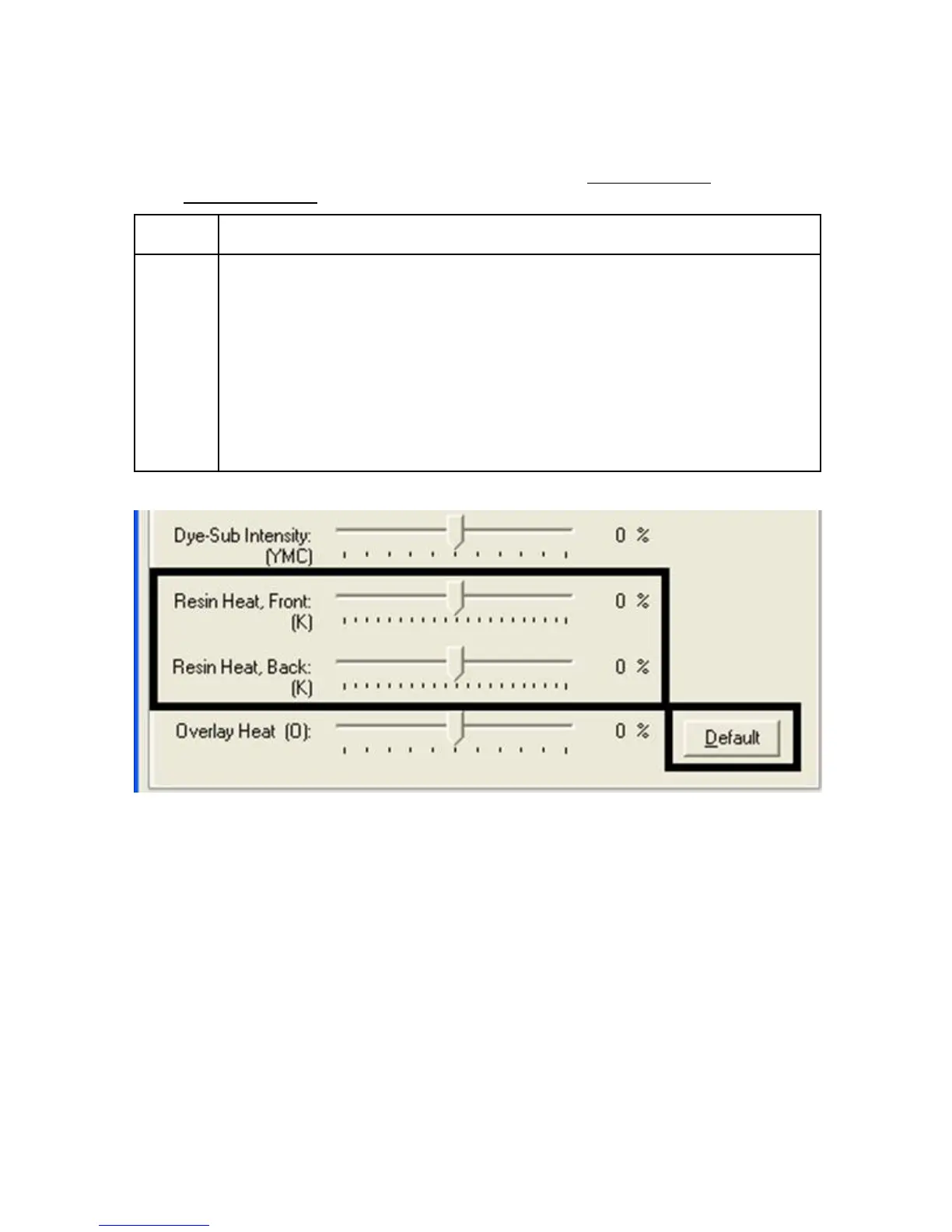
Using the Resin Heat (K) option (Front and Back)
Printer uses when printing with the resin black panel(s) of a full-color Ribbon or when printing
with a resin-only Ribbon
by adjusting the Resin Heat slide.
Step Procedure
1 Adjust the Resin Heat, Front (K) or the Resin Head, Back (K) as needed.
• Move the slider to the left to cause less heat to be used in the printing
process, causing resin images to be lighter or less saturated.
OR
• Move the slider to the right to (a) cause more heat to be used or (b)
cause the resin image to be darker or more saturated.
(Note: This control can be helpful for fine-tuning the transfer of resin text
and bar codes.)



 To Next Page