RESTRICTED USE ONLY Fargo Electronics, Inc.
DTC400e Card Printer User Guide (L001172 Rev. 1.1)
6-33
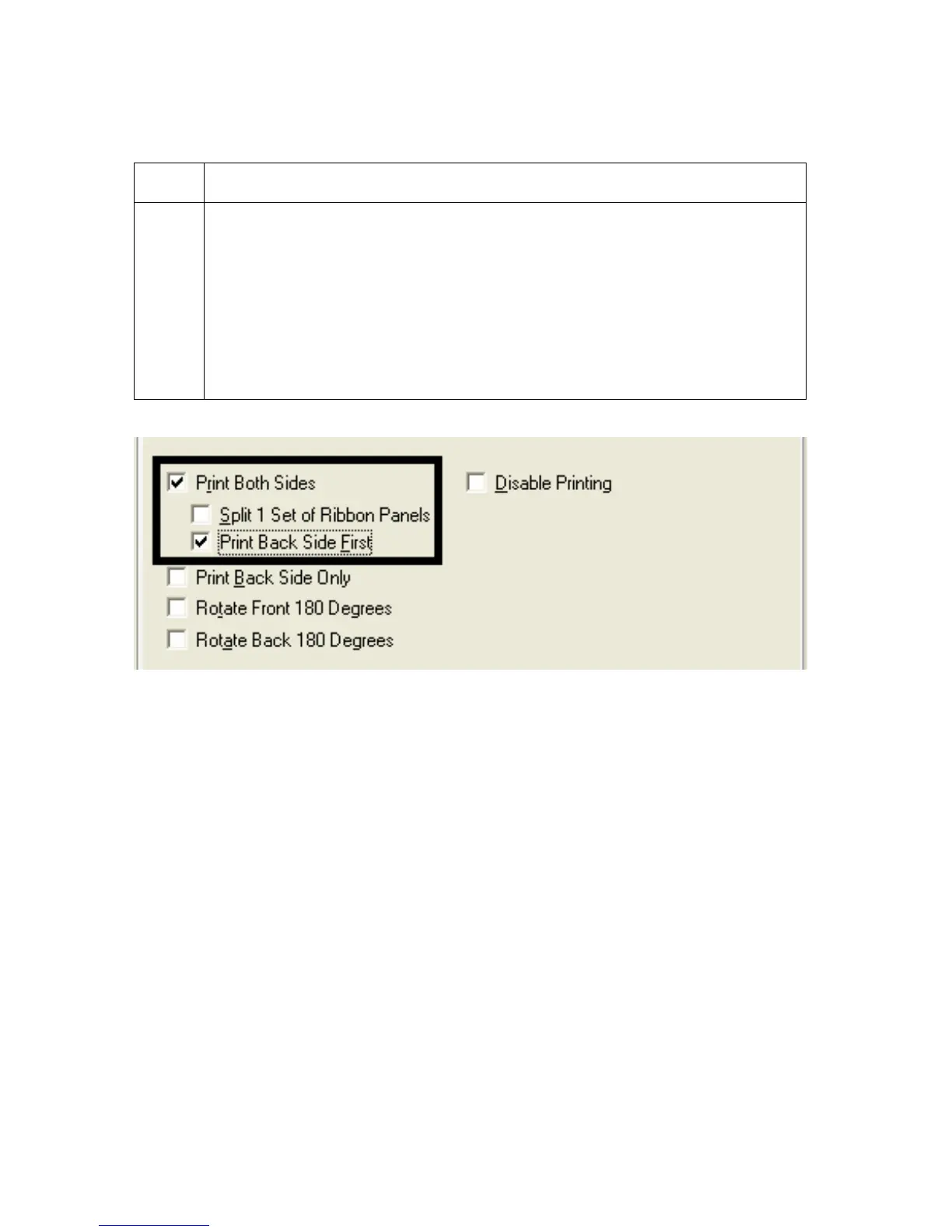
Using the Print Back Side First option
Step Procedure
1 Select this option:
• If you need to print the first page of a two-page document on the
backside of the card.
OR
• If you need to print the resin black on the chip-side of the Smartcard.
The second page of the document will be printed on the front side of the
card.



 To Next Page