RESTRICTED USE ONLY Fargo Electronics, Inc.
DTC400e Card Printer User Guide (L001172 Rev. 1.1)
5-39
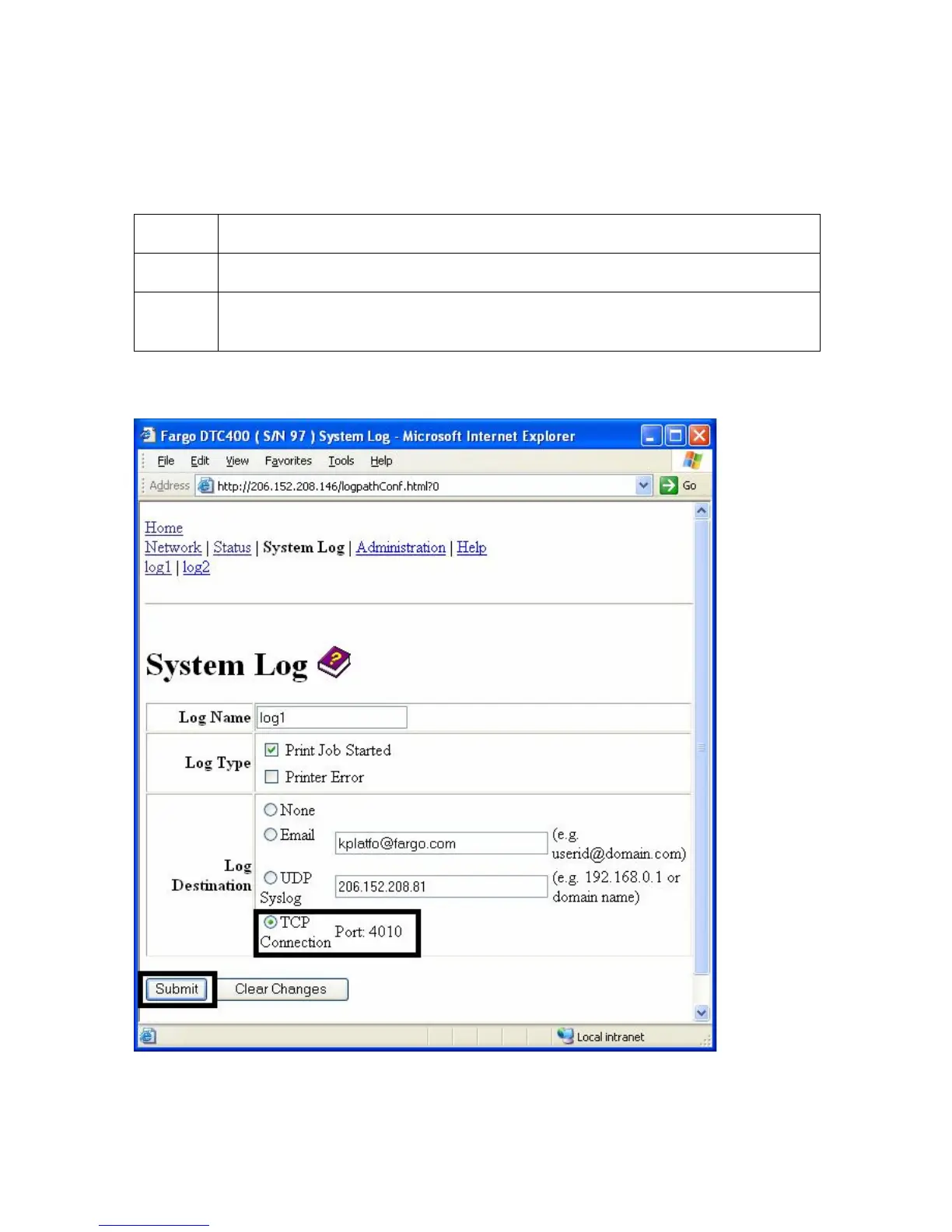
Specifying TCP Event logging
Follow this procedure to send logging messages to a pre-existing IP connection made on the
TCP port.
Step Procedure
1 Select the System Log link.
2 Select the link for the log name you want to view or configure (the default
choices are log1 or log2).
Continued on the next page



 To Next Page