RESTRICTED USE ONLY Fargo Electronics, Inc.
DTC400e Card Printer User Guide (L001172 Rev. 1.1)
6-62
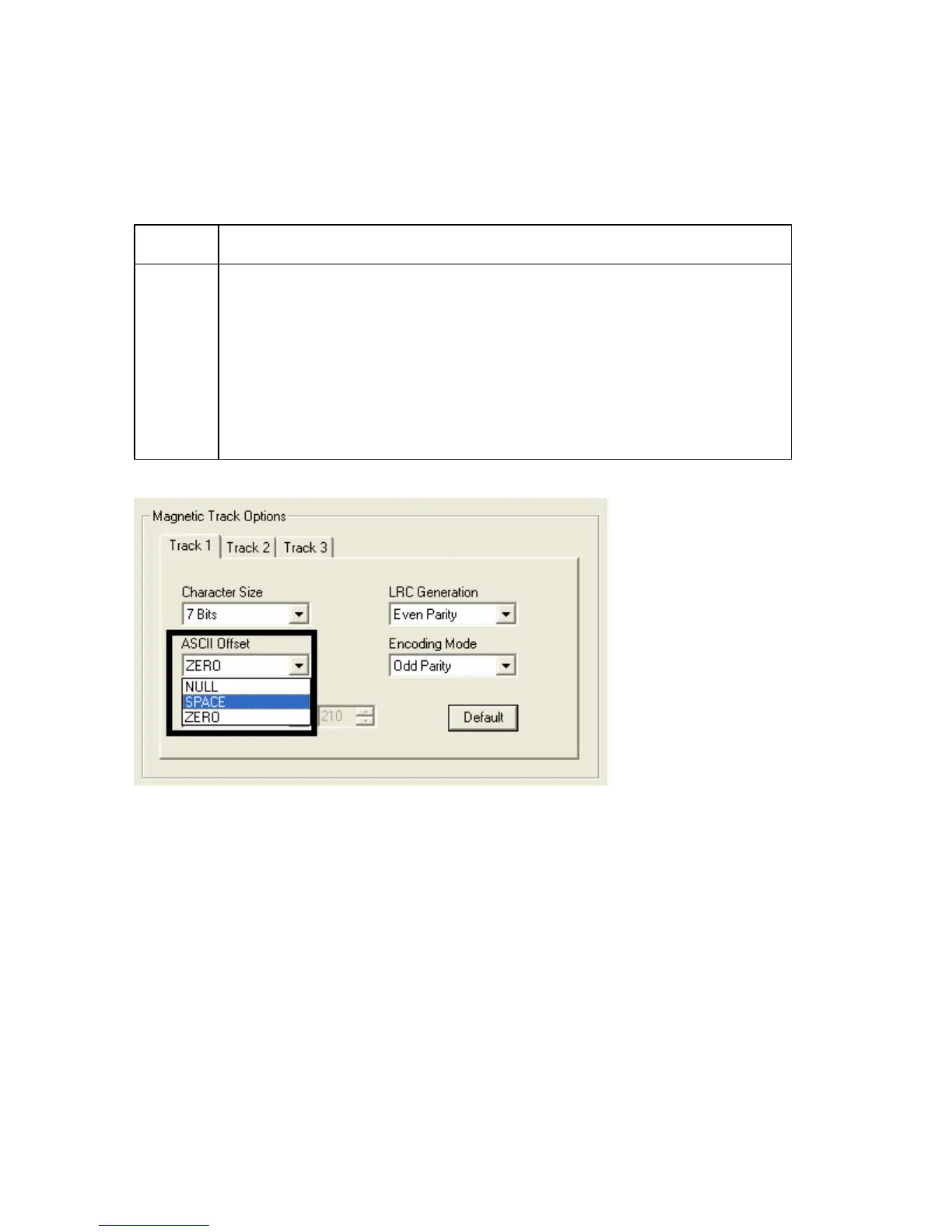
Using the ASCII Offset dropdown list
Use this option to customize the Character ASCII Offset used to encode the magnetic data
on the currently selected track. (Note: This character-offset value is subtracted from the
ASCII value of each Magnetic Stripe data character prior to encoding on the track.)
Step Procedure
1 Select NULL to change the ASCII Offset to NULL.
OR
Select SPACE to change the ASCII Offset to SPACE. (Note: This is the
default for Track 1.)
OR
Select ZERO to change the ASCII Offset to ZERO. (Note: This is the
default for Tracks 2 and 3.)



 To Next Page