RESTRICTED USE ONLY Fargo Electronics, Inc.
DTC400e Card Printer User Guide (L001172 Rev. 1.1)
6-3
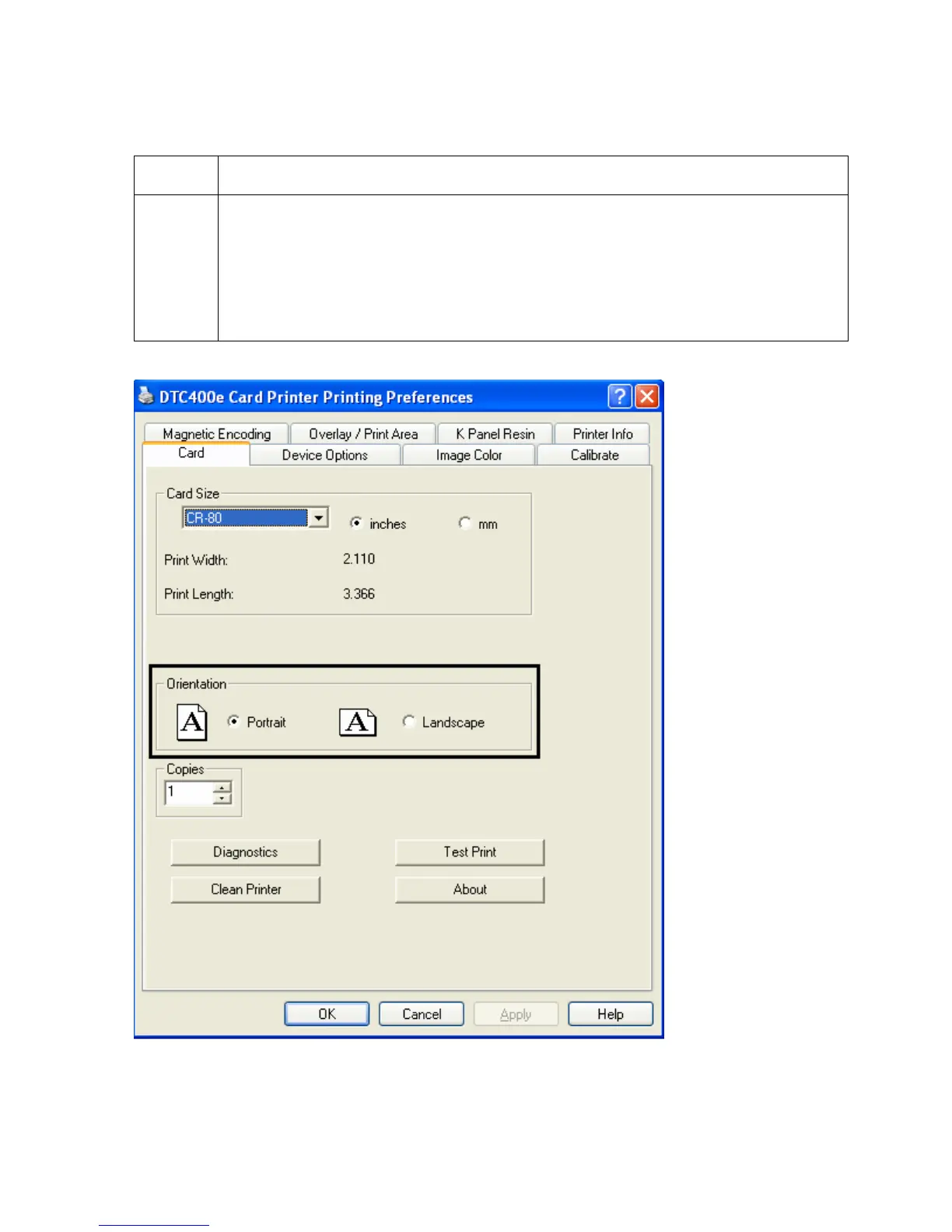
Adjusting the Orientation Option
Step Description
1 Select Portrait to cause the card to print in a vertical orientation.
OR
Select Landscape to cause the card to print in a horizontal orientation.
(Note: An icon illustrating a printed card helps represent the difference between
the two.)



 To Next Page