RESTRICTED USE ONLY Fargo Electronics, Inc.
DTC400e Card Printer User Guide (L001172 Rev. 1.1)
6-35
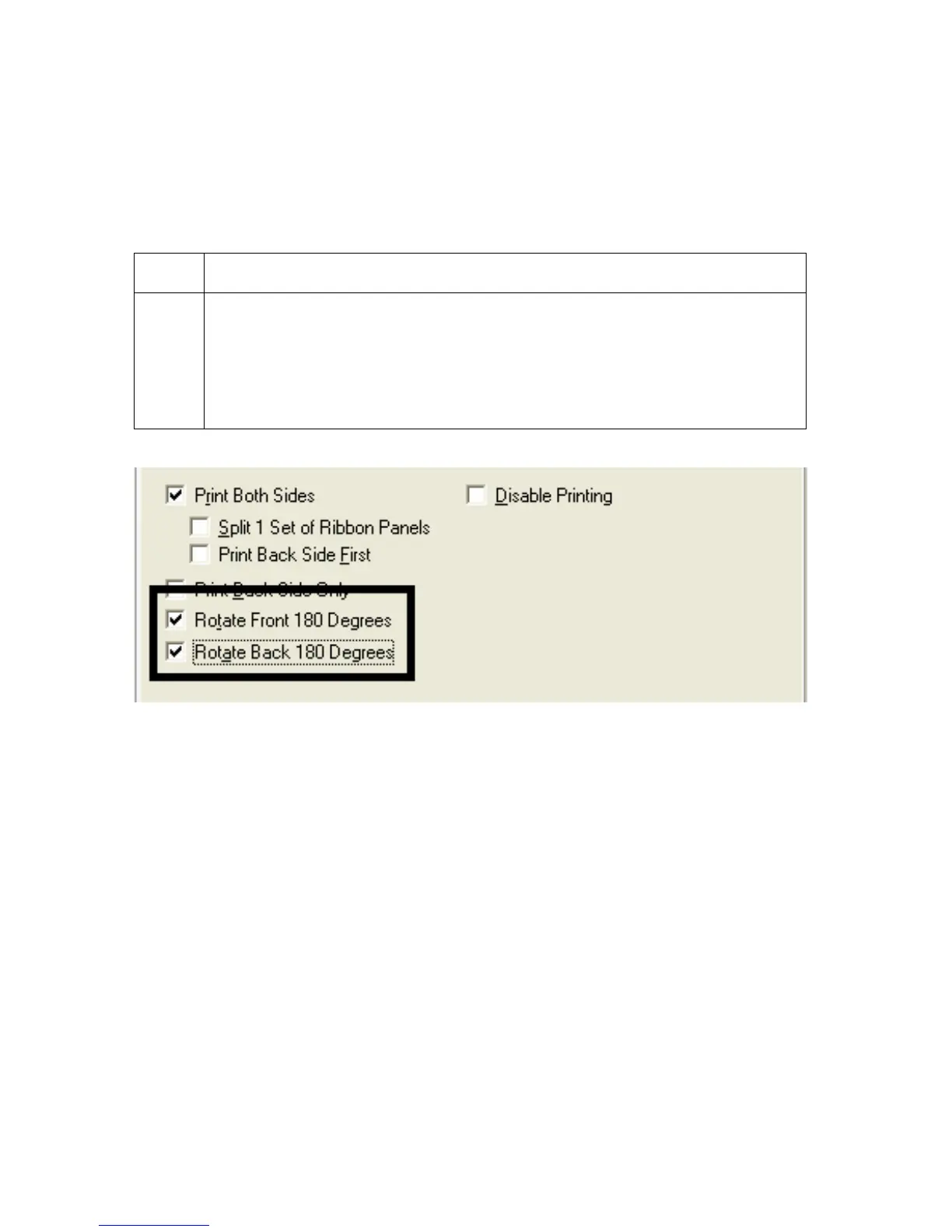
Using the Rotate Front 180 Degrees or Rotate Back
180 Degrees options
Use this option to change the position of the printed image in relation to the location of a
card's Magnetic Stripe or smart chip.
Step Procedure
1 Select Rotate Front 180 Degrees to rotate the image on the front of the card
by 180 degrees when printed.
OR
Select the Rotate Back 180 Degrees to rotate the image on the back of the
card by 180 degrees when printed.



 To Next Page