RESTRICTED USE ONLY Fargo Electronics, Inc.
DTC400e Card Printer User Guide (L001172 Rev. 1.1)
7-4
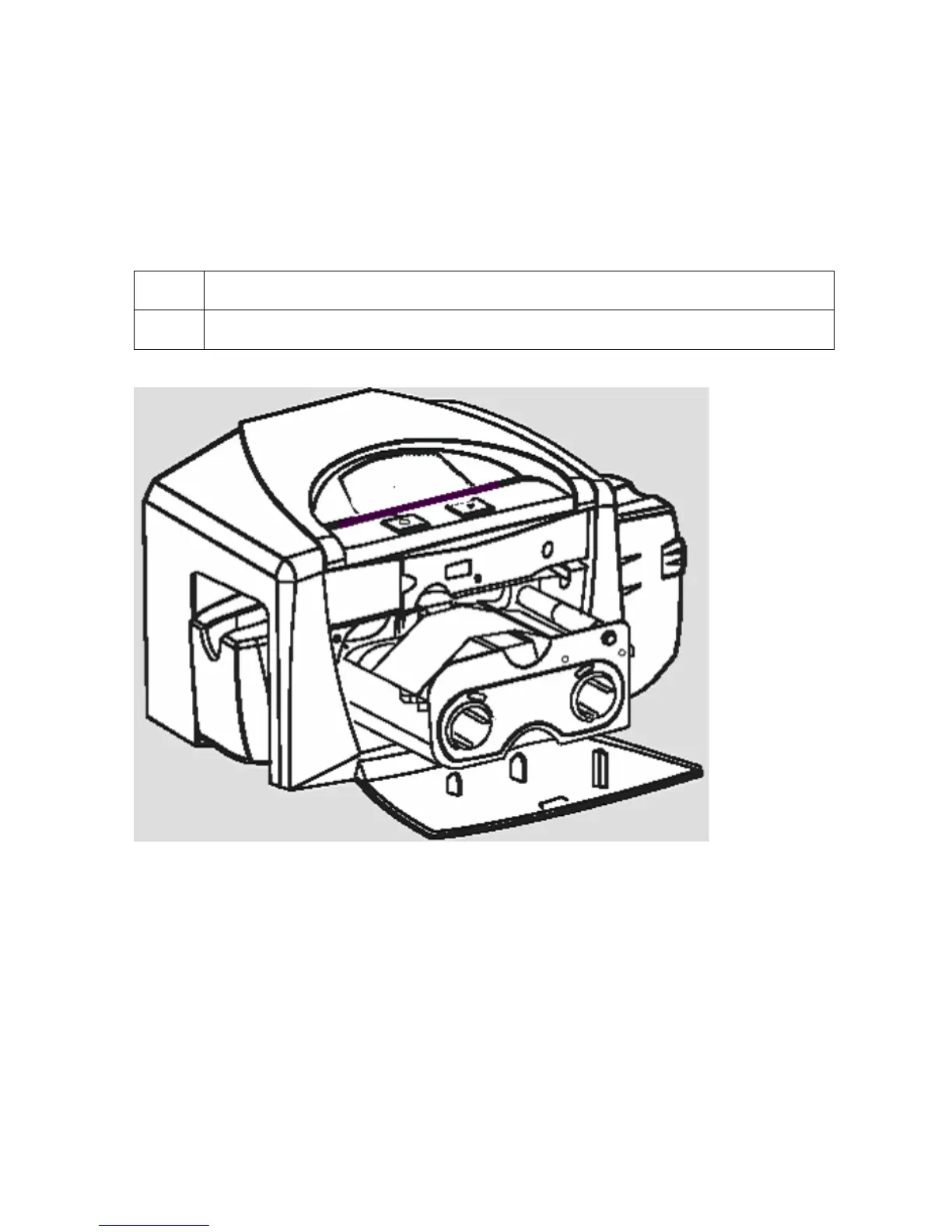
Cleaning the Platen and the Card Feed Rollers
Perform this procedure approximately every 1000 prints to maintain a consistent print
quality. (Note: The Card Feed Rollers move the card throughout the print process. Rollers
should be kept clean to prevent card jams and card contamination. This cleaning process will
ultimately lead to better print quality and extended Printhead life.)
Step Procedure
1 Open the Printer’s Front Cover and remove the Print Ribbon.



 To Next Page