RESTRICTED USE ONLY Fargo Electronics, Inc.
DTC400e Card Printer User Guide (L001172 Rev. 1.1)
7-5
Cleaning the Platen and the Card Feed Rollers (continued)
Step Procedure
2 Remove all the cards from the Printer’s Input Hopper.
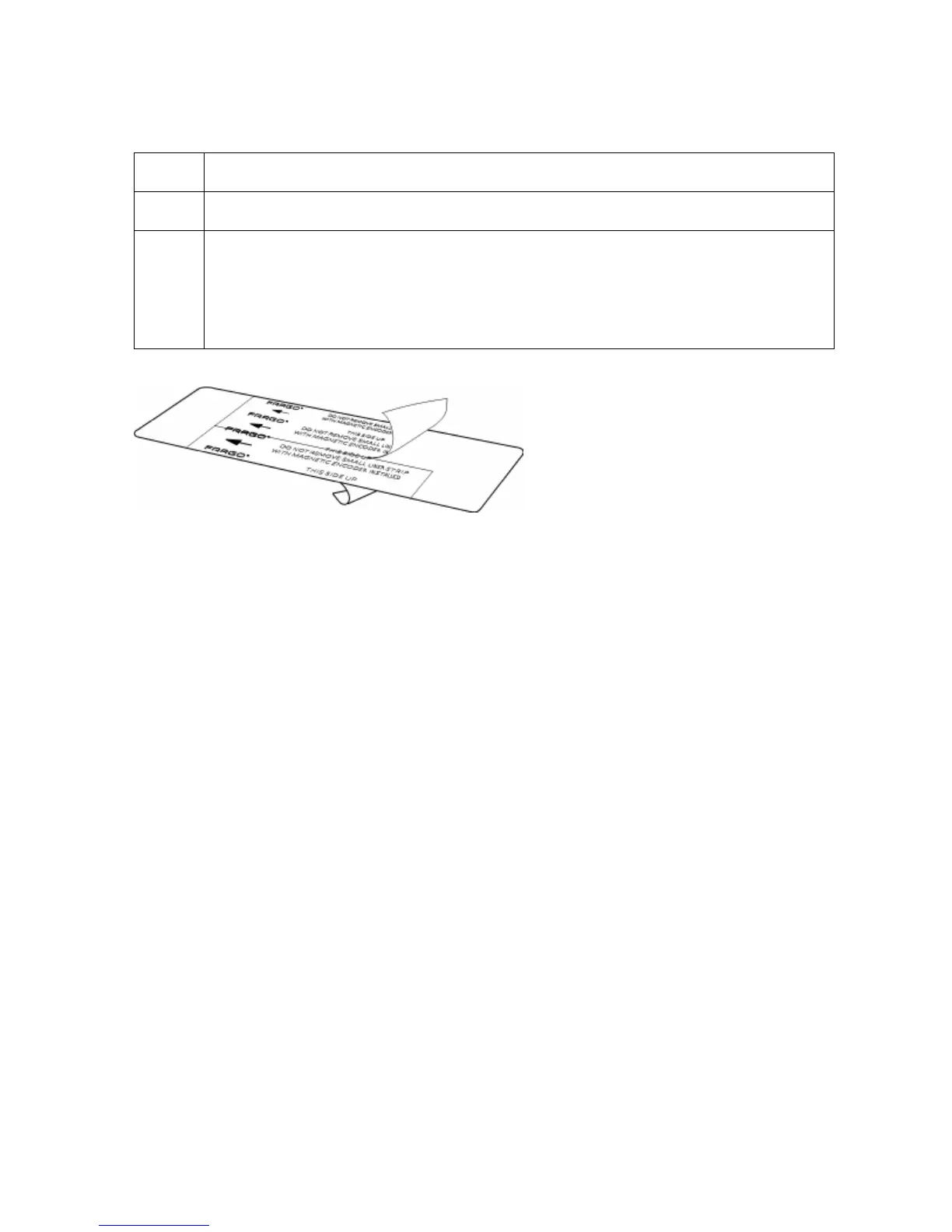
3 Use the Cleaning Card from the Printer’s and remove the adhesive backing
from both sides of the card. (Note: If your Printer has a Magnetic Encoder
installed, be sure to leave the small Liner Strip on top of the Cleaning Card in
place. This small strip is needed to protect the Magnetic Head from the
adhesives on the Cleaning Card.)



 To Next Page