RESTRICTED USE ONLY Fargo Electronics, Inc.
DTC400e Card Printer User Guide (L001172 Rev. 1.1)
6-28
Changing the Text Properties
Step Procedure
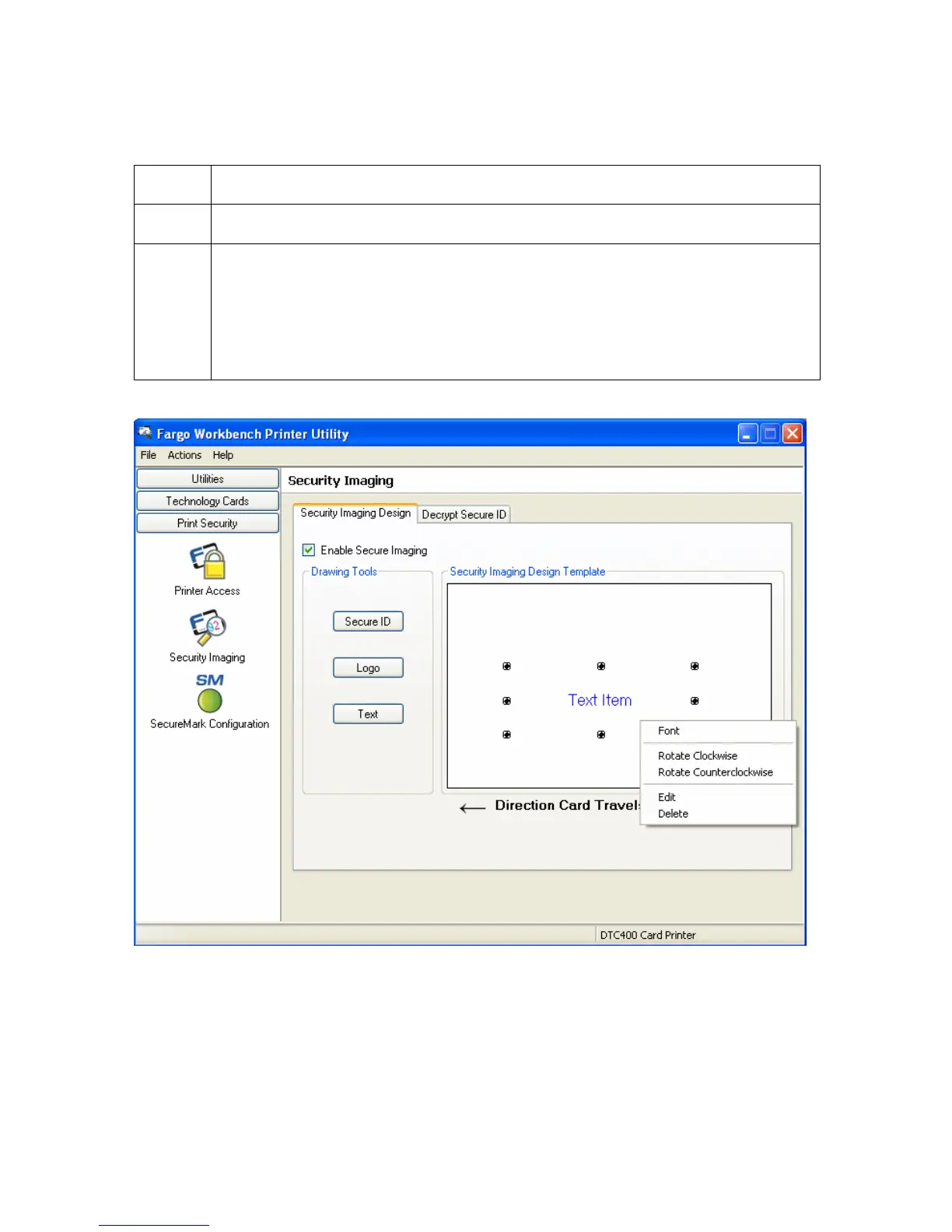
1 On the Template right click on the TEXT box for the options shown below.
12 SAVE this template using FILE- SAVE.
CLOSE the Workbench.
Any Software program file printed with the YMCFKO or YMCFKOK ribbon
installed into the printer will print this design with the F panel of the ribbon. It
will print the SAME file each time unless you recreate a NEW template.



 To Next Page