RESTRICTED USE ONLY Fargo Electronics, Inc.
DTC400e Card Printer User Guide (L001172 Rev. 1.1)
6-12
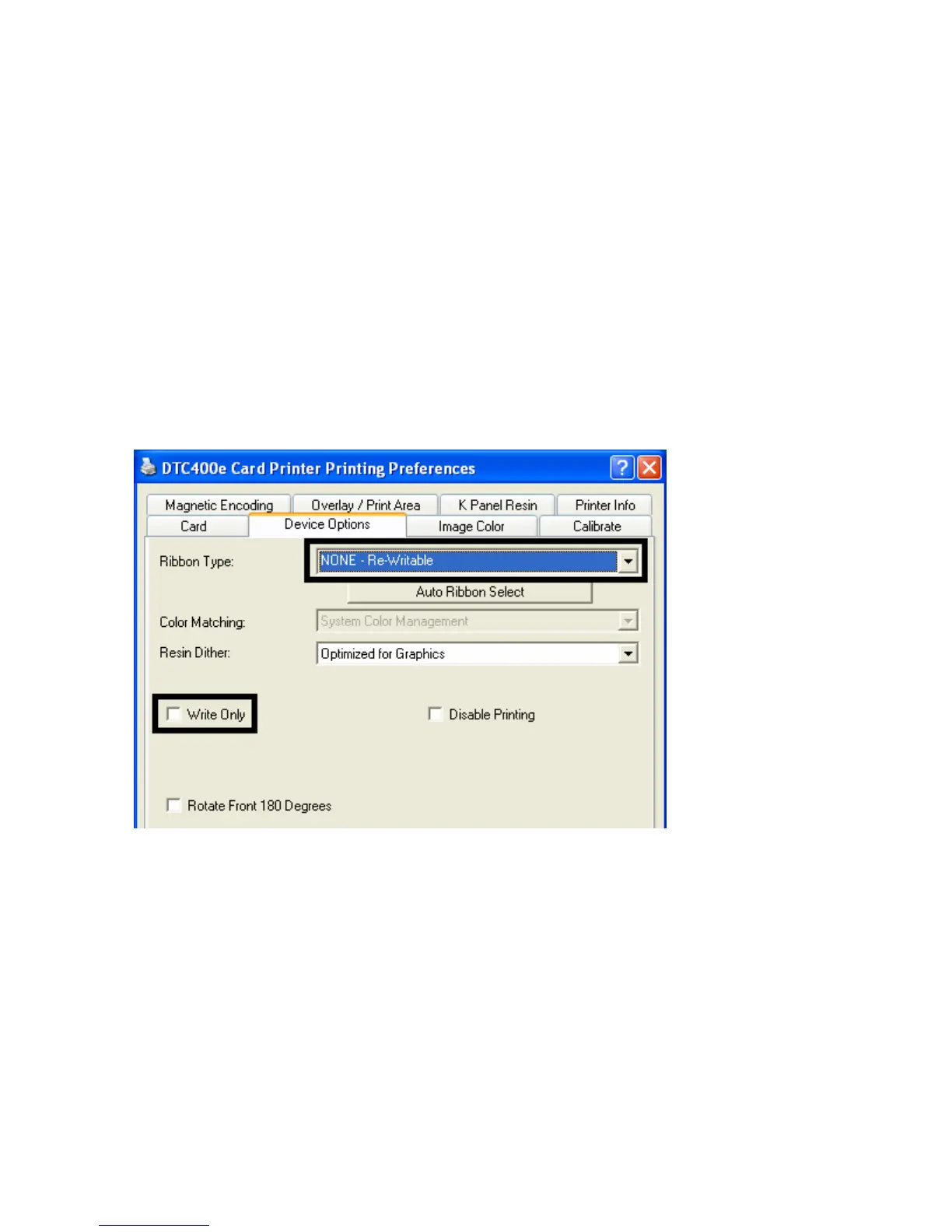
Selecting the NONE- Re-Writable Ribbon Type
Follow these instructions:
Caution: No Ribbon is used with these cards. Do not load a Ribbon into the printer when
using this process. Printing on the Re-Writable card with a Ribbon will ruin the card.
• The default setup is for the printer to first erase the previously-printed card; then write the
new information on the card. (Note: If you are printing to a new card, select Write Only.
This will speed up the process. The full card is erased and printed; there is no option to
select specific areas to erase.)
• To erase many cards, use the Fargo Workbench Re-Writable Card Eraser option.
(Note: This option does not print only erase.)
The Write Only checkbox is displayed when the NONE Re-Writeable Ribbon type is
chosen.



 To Next Page