RESTRICTED USE ONLY Fargo Electronics, Inc.
DTC400e Card Printer User Guide (L001172 Rev. 1.1)
6-13
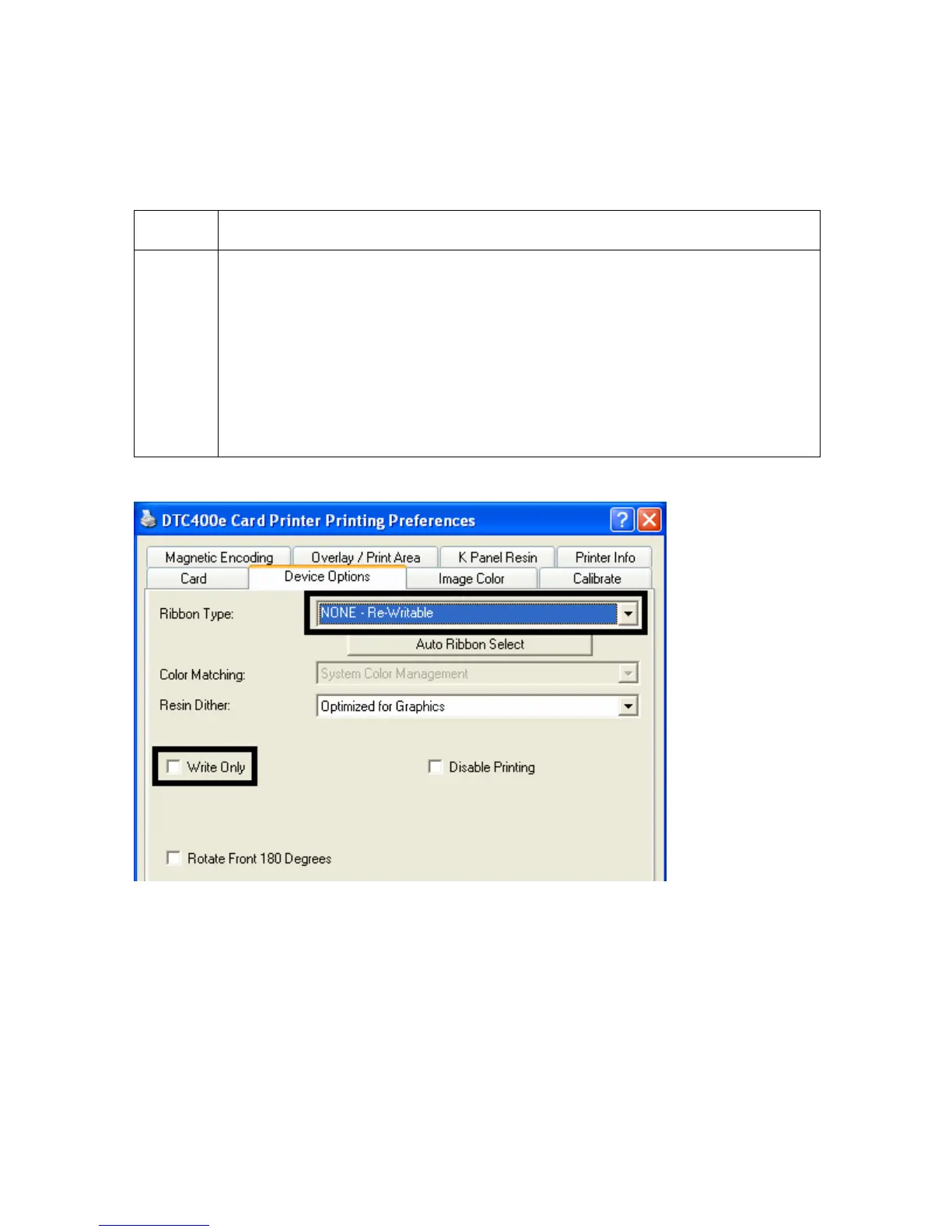
Selecting the NONE- Re-Writable Ribbon Type (continued)
When the Re-Writeable Ribbon Type is selected, the DTC400e driver will show only relevant
options.
Step Description
1 The following options are removed from the Device Options tab when the Re-
Writeable Ribbon Type is selected. See below.
• Print Both Sides
o Split 1 Set of Ribbon Panels
o Print Back Side First
• Print Back Side Only
• Rotate Back 180 Degrees



 To Next Page