RESTRICTED USE ONLY Fargo Electronics, Inc.
DTC400e Card Printer User Guide (L001172 Rev. 1.1)
6-16
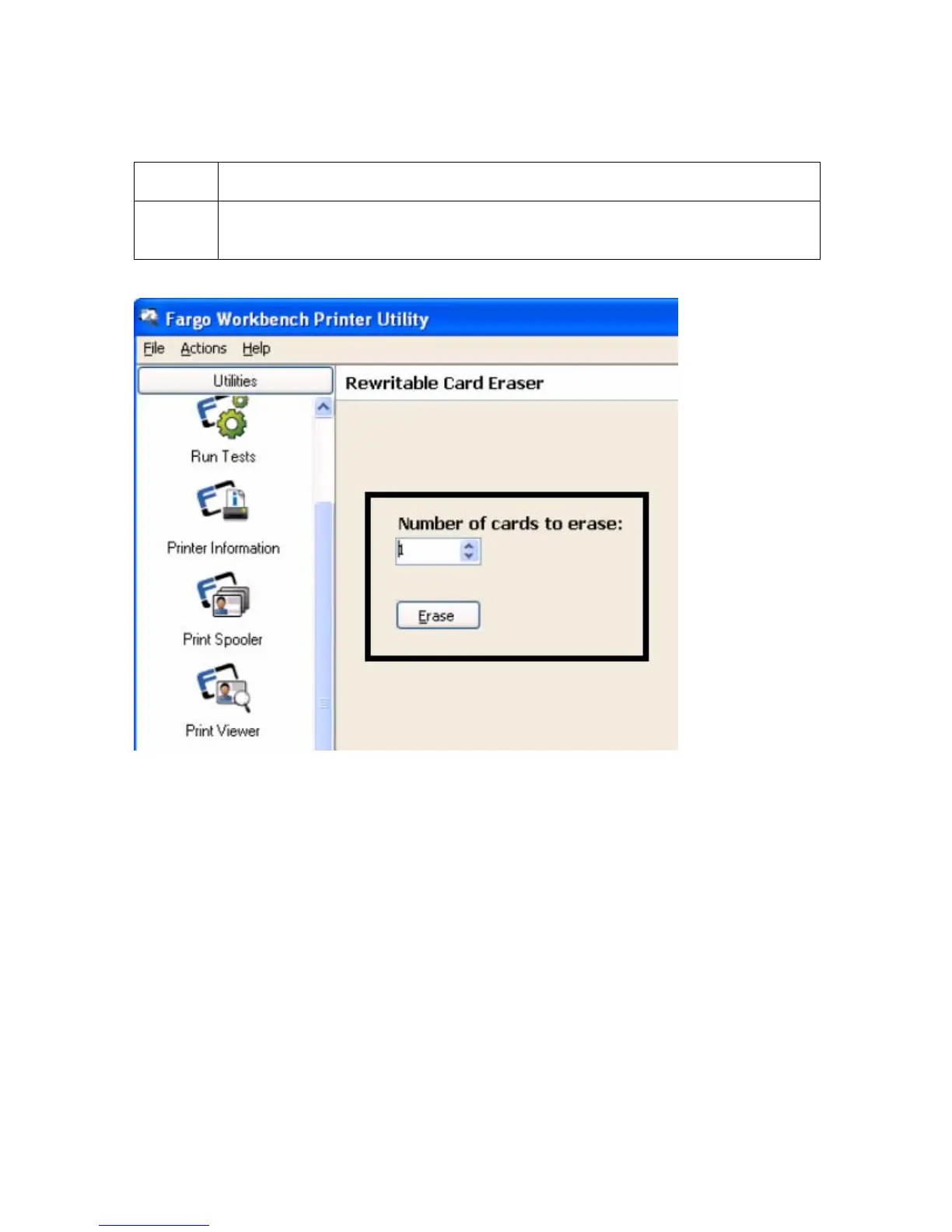
Using the Workbench (to erase the card) (continued)
Step Description
3 Select the number of cards to be erased. Click on the Erase button. (Note:
This will erase the full card. The card may be stored or printed on again.)



 To Next Page