RESTRICTED USE ONLY Fargo Electronics, Inc.
DTC400e Card Printer User Guide (L001172 Rev. 1.1)
3-6
Installing the Print Ribbon Cartridge (continued)
Step Procedure
2 a. Remove the liner on the Card Cleaning Roller before installing the Cartridge,
as shown in Display A (upper right arrow of display).
b. Remove the Ribbon securing tape, as shown in Display A (middle right arrow
of display).
3 Slide the Ribbon Cartridge into the Printer, as shown in this section.
4 Raise the front Cover and press the front Cover’s black rubber pad or touch pad
to secure it.
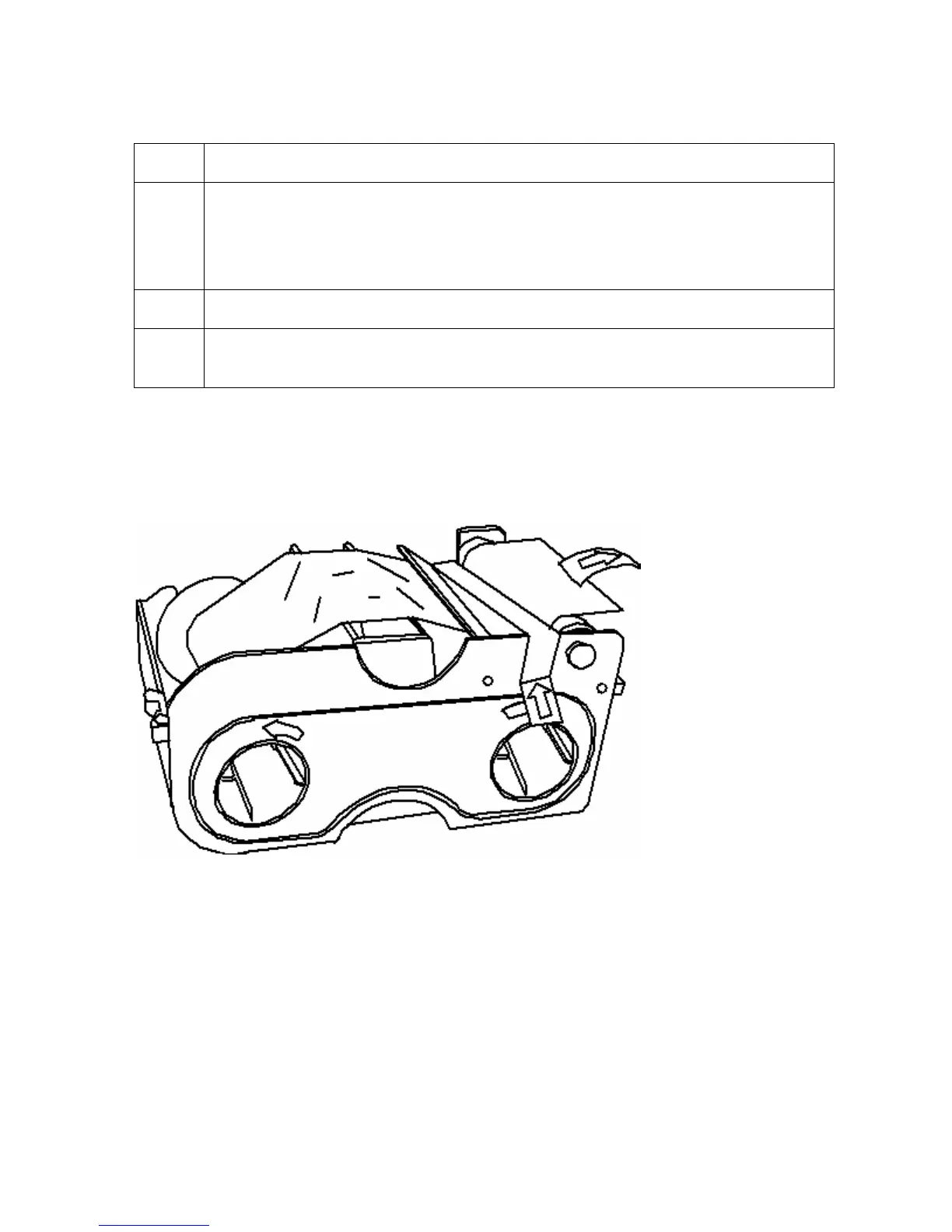
Display A – Shows the Print Ribbon Cartridge before it is installed or inserted into the Printer.
The Card Cleaning Roller (see arrow) is already inserted into the Print Ribbon Cartridge.



 To Next Page