RESTRICTED USE ONLY Fargo Electronics, Inc.
DTC400e Card Printer User Guide (L001172 Rev. 1.1)
3-9
Installing Blank Cards into the Card Hopper (continued)
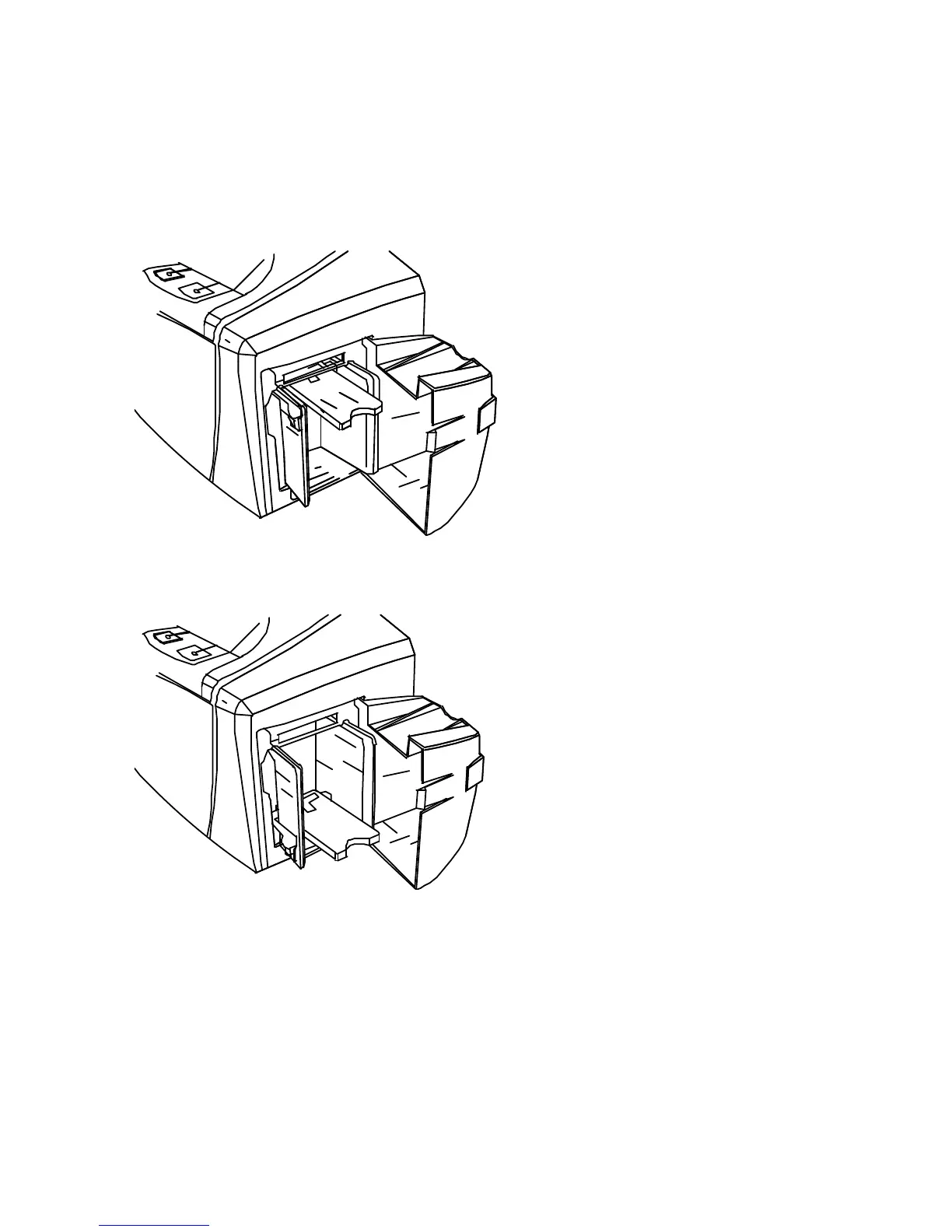
Display B - Press the Card Hopper Load Lever down. Insert the cards.
Here the Lever is still up.
Here the Lever is pressed down.



 To Next Page