RESTRICTED USE ONLY Fargo Electronics, Inc.
DTC400e Card Printer User Guide (L001172 Rev. 1.1)
3-14
Installing the Flipper Table Module Assembly (D900200) (continued)
Step Description
4 a. Remove the Cover from the Flipper Table Module Assembly (D900200), as
shown below.
b. Place the Flipper Table next to Printer, as shown below.
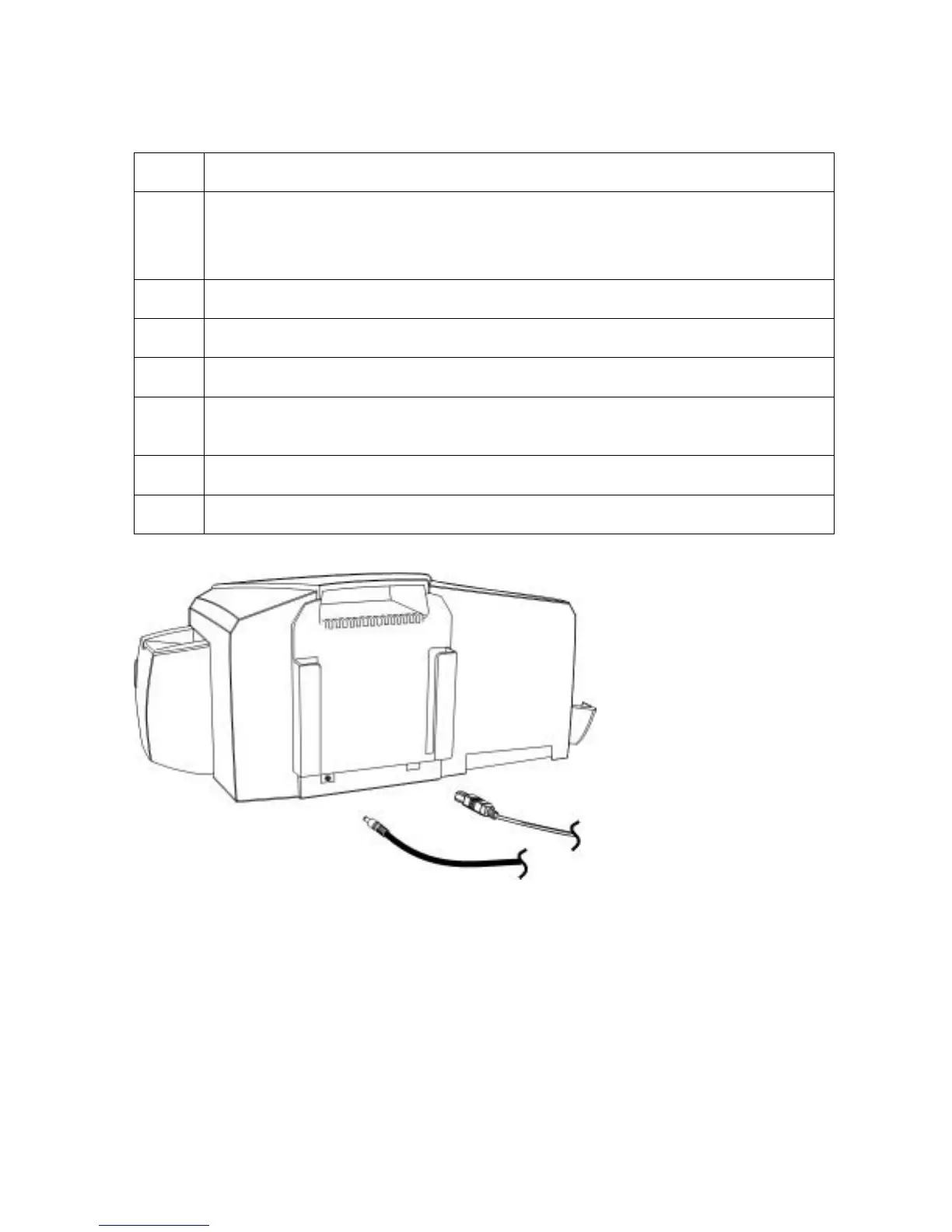
5 Connect the Flipper Table Module cable, as shown below.
6 Slide in the Flipper Table Module pins, as shown below.
7 Attach the Flipper Table Module pin screw, as shown below.
8 Use the Torx T-10 screwdriver to attach the one (1) front Base plate mount
screws (F000170), as shown below.
9 Attach the Flipper Table Module Cover, as shown below.
10 Connect the USB and Power cables, as shown below.



 To Next Page