RESTRICTED USE ONLY Fargo Electronics, Inc.
DTC400e Card Printer User Guide (L001172 Rev. 1.1)
3-18
Installing the Printer Driver (continued)
Step Procedure
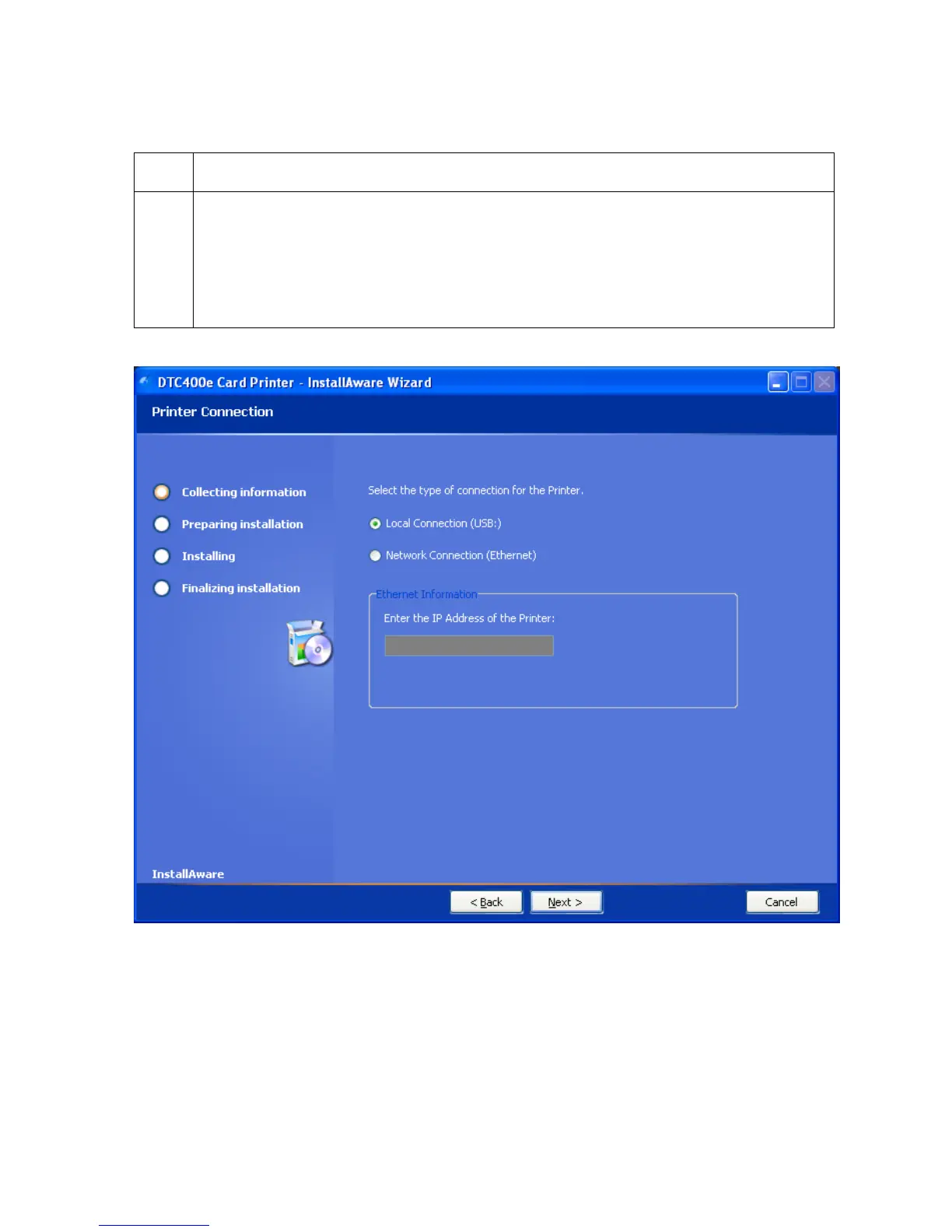
5 Select Local Connection (USB:) if the printer is equipped with a USB port and
click Next to continue with the installation.
OR
Select Network Connection (Ethernet) if the printer is equipped with an Ethernet
port and enter the Printer’s IP address. Click Next to continue with the installation.



 To Next Page