RESTRICTED USE ONLY Fargo Electronics, Inc.
DTC400e Card Printer User Guide (L001172 Rev. 1.1)
3-20
Installing the Printer Driver (continued)
Step Procedure
7 Wait while the DTC400e Card Printer is configuring your new software installation.
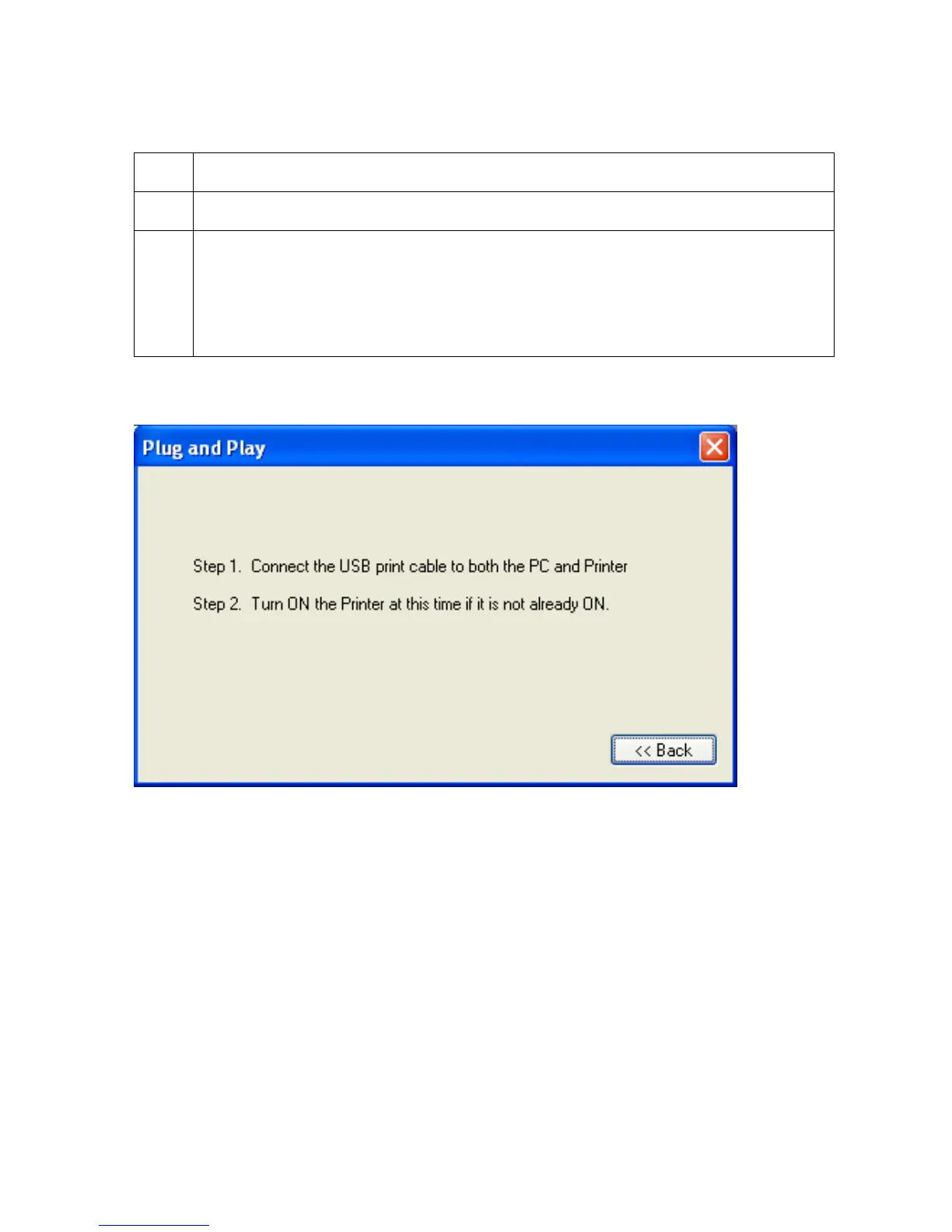
8 This step only applies to local connection installation (USB).
a. Connect the USB cable to the Printer.
b. Turn ON the Printer at this time if it is not already ON.
c. Wait during the installation.



 To Next Page