Operating Procedures: Microscope Control
C O N F I D E N T I A L – FEI Limited Rights Data5-6
Microscope Control
It is assumed that the microscope is in the Full operation state (see Chapter 2).
Operation Pre-Check
To ensure correct operation check the following list before continuing. After obtaining a preliminary imaging, you
can then experiment with your own settings.
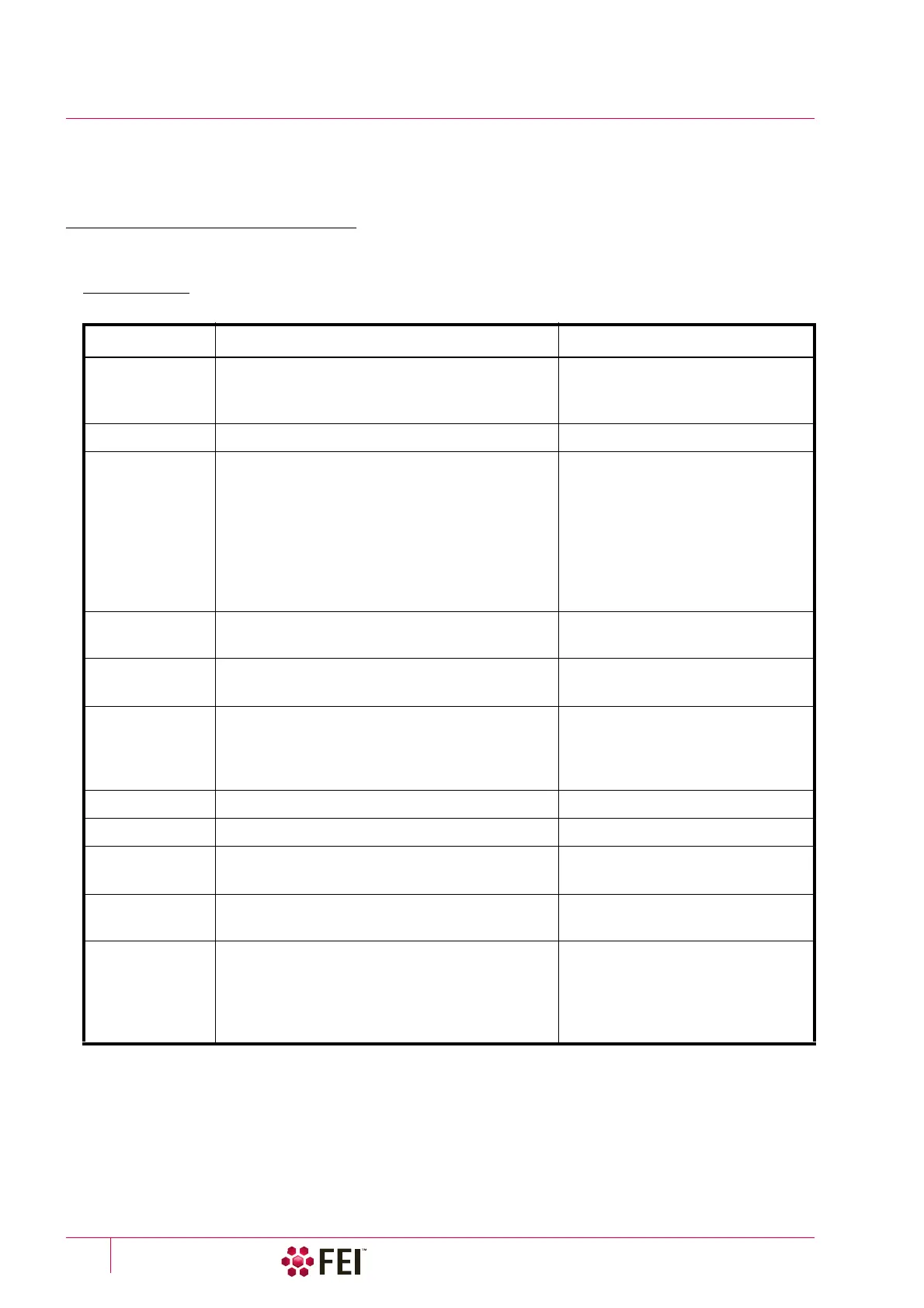
Table 5-1
Scios Setup Conditions
Adjustment Electron Beam Setting Ion Beam Setting
Vacuum mode High Vacuum: conductive samples
Low Vacuum: nonconductive, mixed or
contaminating samples
High Vacuum
Column Use Case Standard Standard
Accelerating
Voltage
Select voltage relative to specimen type:
– low kV for surface imaging, beam-sensitive
samples and slightly charging samples
– high voltage for conductors, high resolution,
composite info (BSE, X-ray)
For example:
– biological sample HV = 1–10 kV
– metal sample HV = 1–30 kV
30 kV for imaging, milling, depositing
5 kV for cleaning
5–10 kV for large field of view
Beam Current
Spot size
100 pA at 30 kV
High Vacuum / Low Vacuum: 5–6
100 pA at 30 kV
Scan rate High Vacuum: fast scan (dwell time 0.1–0.3 µs)
Low Vacuum: slow scan (dwell time about 3 µs)
Fast scan
Working Distance
(FWD)
Set the highest specimen point
to approximately 7 mm, tilt to 0°
(yellow mark in an optical imaging display)
and press Ctrl + F (set FWD to 7 mm function).
Set the stage into the eucentric
position and tilt to 52°.
Eucentric Position 7 mm 19 mm
Magnification Set to lowest – from 20× to 200× Set to lowest – about 210×
Standard
Detector
High Vacuum: ETD (SE)
Low Vacuum: LVD / ICE (SE)
ETD (SE) / ICE (SE)
Filtering High Vacuum: Average (2–4 frames for fast scans)
Low Vacuum: Live
Live
Contrast
and Brightness
With contrast at minimum value adjust brightness
to just show a change in intensity to the screen.
Increase the contrast to produce a reasonable
imaging. Increasing brightness and decreasing
contrast produce softer imaging and vice versa.
See Electron beam setting



 To Next Page