System Options: Manual User Interface
C O N F I D E N T I A L – FEI Limited Rights Data 7-3
Manual User Interface
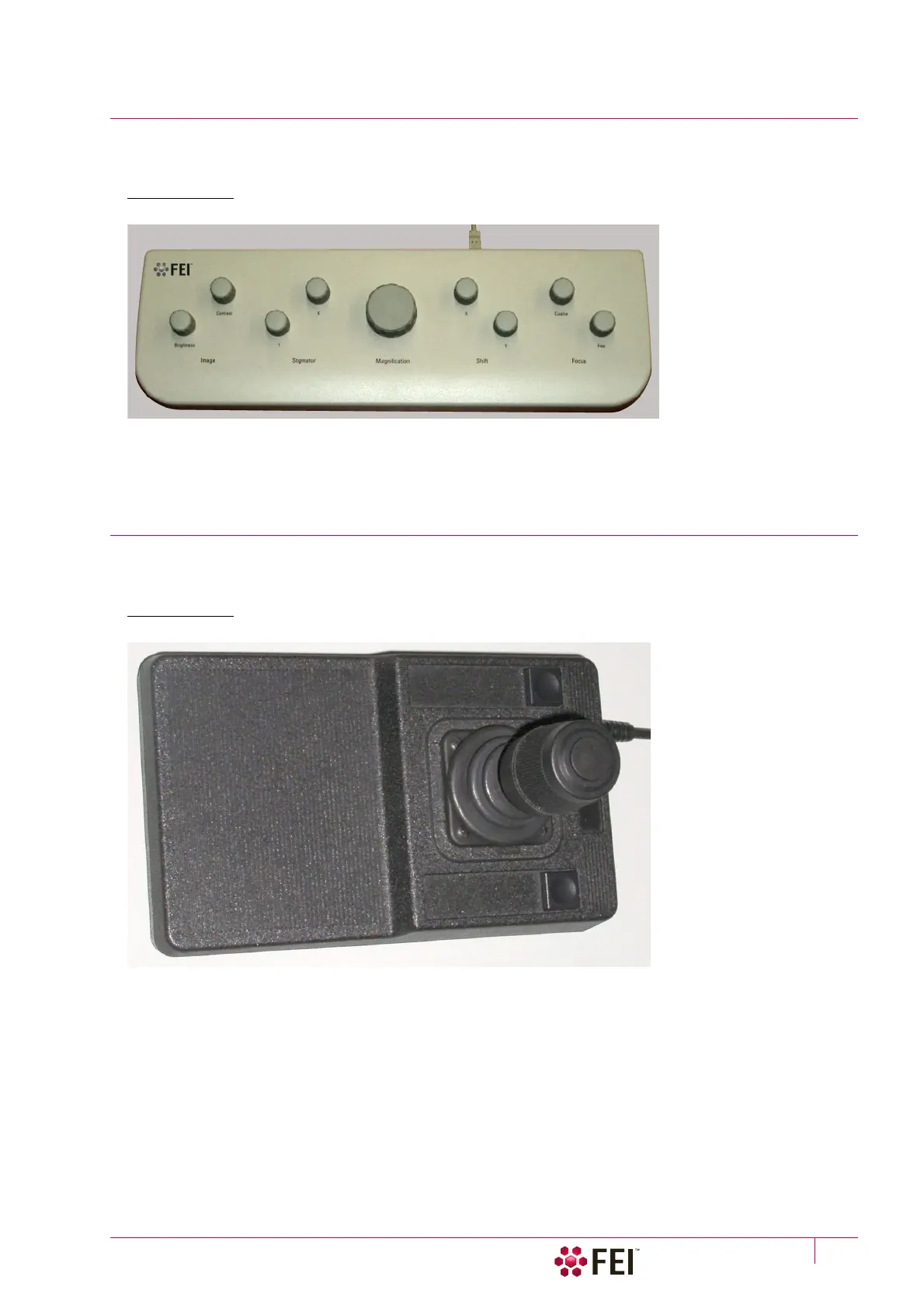
The Manual User Interface (MUI) provides knobs to perform functions that can also be performed with the
software. It is connected to a USB connector located on the Microscope PC.
FIGURE 7-1 MUI
The MUI offers additional flexibility for controlling magnification, beam shift, focus, astigmatism, contrast and
brightness.
Joystick
The Joystick provides knobs to perform stage functions that can also be performed by the software. It is connected
to a USB connector located on the Microscope PC.
FIGURE 7-2 Joystick
• Up / Down lever motion – moves the stage in Y axis
Left / Right lever motion – moves the stage in X axis
Clockwise / Counterclockwise lever rotation – rotates the stage clockwise / counterclockwise
• Button 1 – not used
• Button 2 is used together with the lever motion:
– Up / Down moves the stage up / down (regardless the Link Z to FWD status)
– Left / Right tilts the stage (available for stages with motorized tilt axis movements)
• Button 3 speeds up the stage motion:
– 10× in X / Y axis
– 5× in Z axis
– 2× in R / T axis



 To Next Page