Software Control: Preferences Dialog
C O N F I D E N T I A L – FEI Limited Rights Data 3-39
Preferences Dialog
This dialog can be opened by selecting Preferences (Ctrl + O – letter) from the pull-down menus: Scan and Tools. The
Preferences dialog consists of sections listed at the left side of the window, the menu from which it is chosen
dictates the section opened on entry.
Once the Preferences dialog is opened, any section can be chosen. Clicking on a required one opens it and allows
changing and presetting conditions for a group of related functions. The items changed remain valid (for a specific
user) until changed for the next time.
Some of the preference controls are beam dependent. In this case, an active beam type is
indicated by the corresponding icon and items change accordingly.
Movie
For a detailed description see Chapter 5.
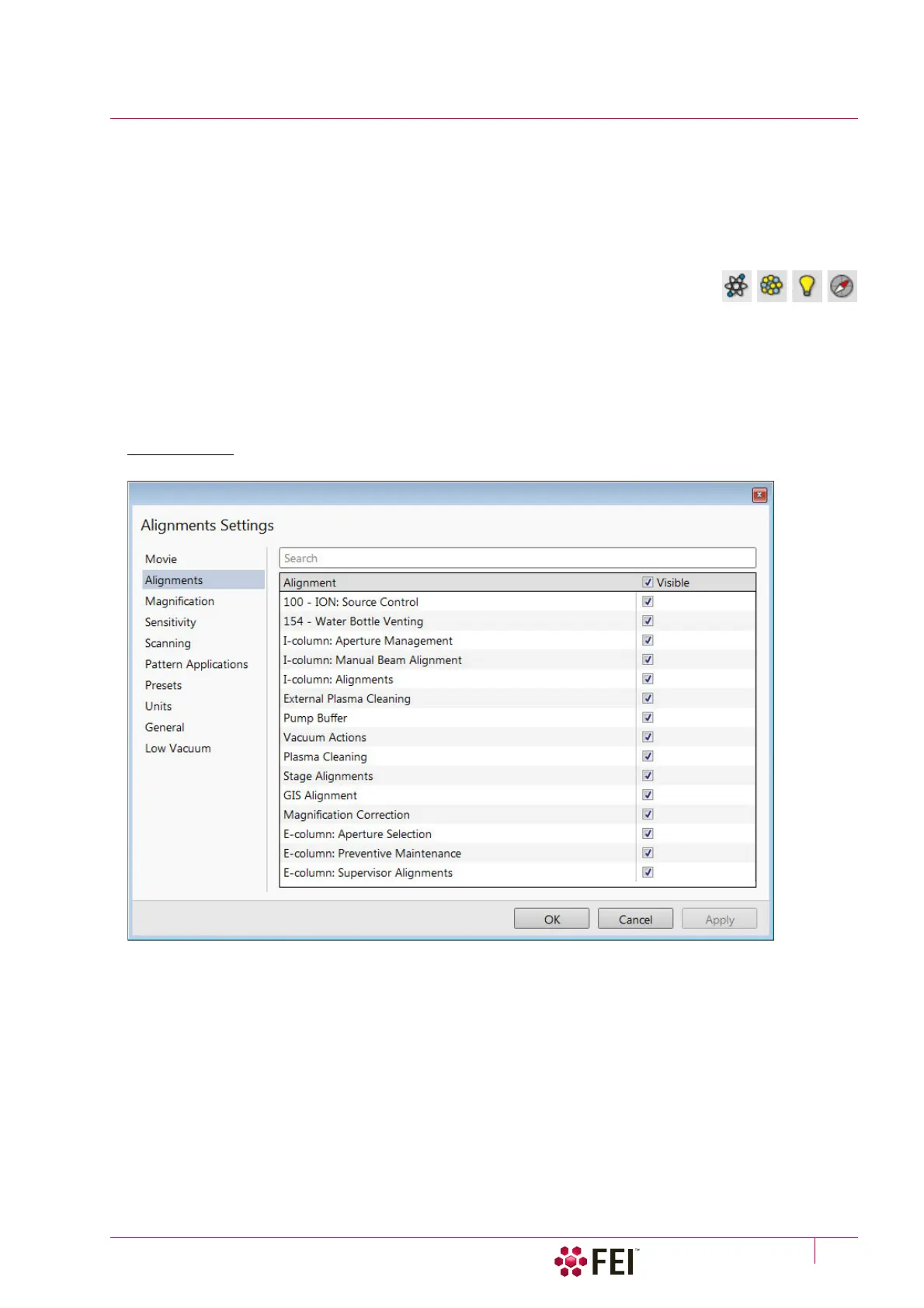
Alignments
It is possible to enable visibility of alignments in the Alignments page / Alignments list by checking the Visible check
box next to an alignment name.
FIGURE 3-19 Alignments Preferences



 To Next Page