Operating Procedures: Optimizing Imaging
C O N F I D E N T I A L – FEI Limited Rights Data 5-13
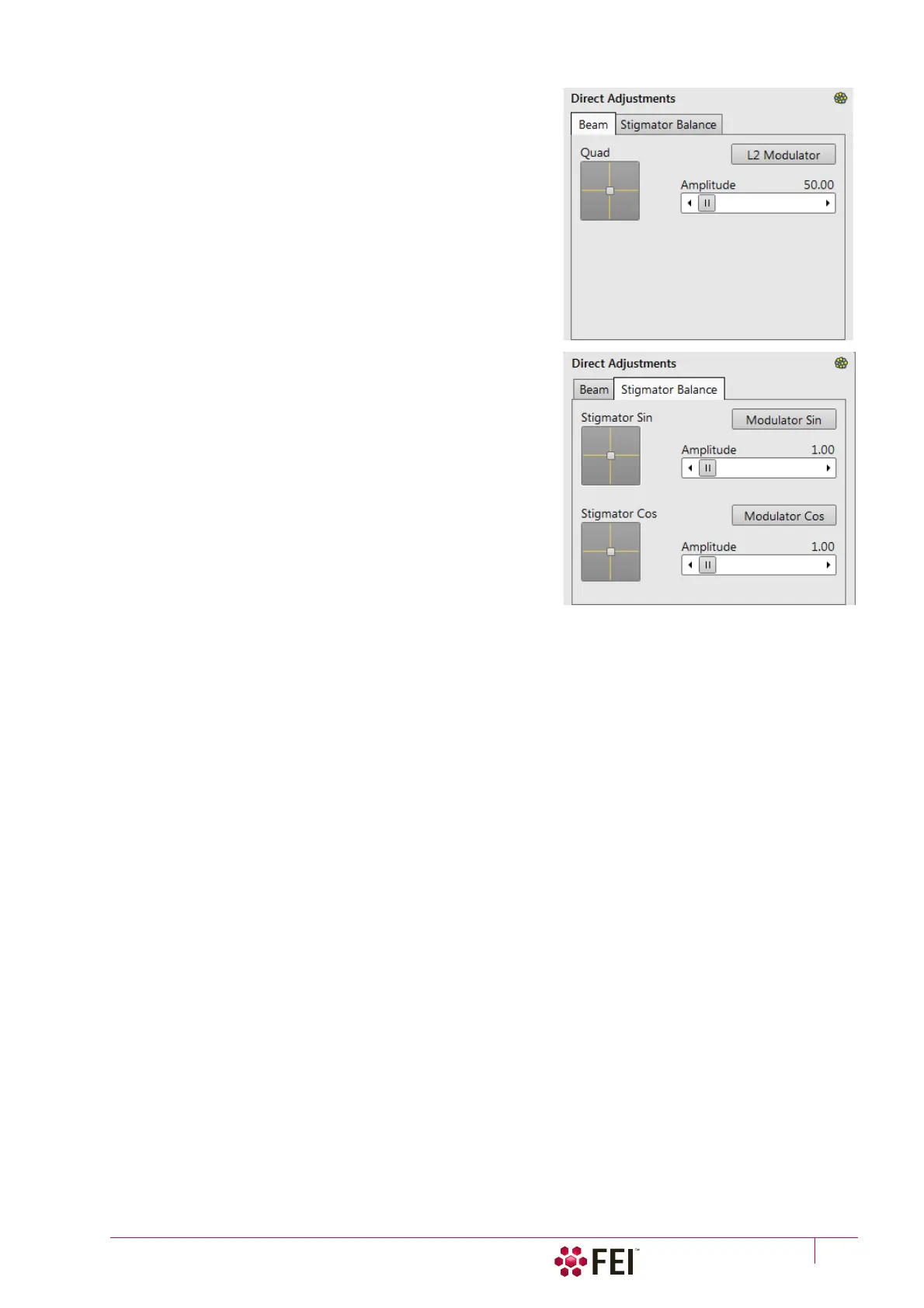
Ion Beam tab
• Quad 2D box – serves for minimization of image shift during
focusing.
• L2 Modulator button – starts automatic L2 voltage oscillation
(periodically under- and over-focuses imaging in a narrow
range) to facilitate the process.
• Amplitude slider – sets the modulation amplitude.
Ion Stigmator Balance tab
• Stigmator Sin / Cos 2D box – serves for minimization of image
shift during astigmatism correction. The crosshair indicates
the actual stigmator setting.
Move the crosshair to suppress the imaging shift.
• Modulator Sin / Cos button – starts modulation of the
respective stigmator.
• Amplitude slider – sets the modulation amplitude.



 To Next Page