System Control: System States
C O N F I D E N T I A L – FEI Limited Rights Data2-8
To bring the system back to an operation, follow the procedure:
Caution!
When the Standby state was just entered, wait 10 s at minimum before starting microscope operation again (pressing
the power button on the microscope front control panel)!
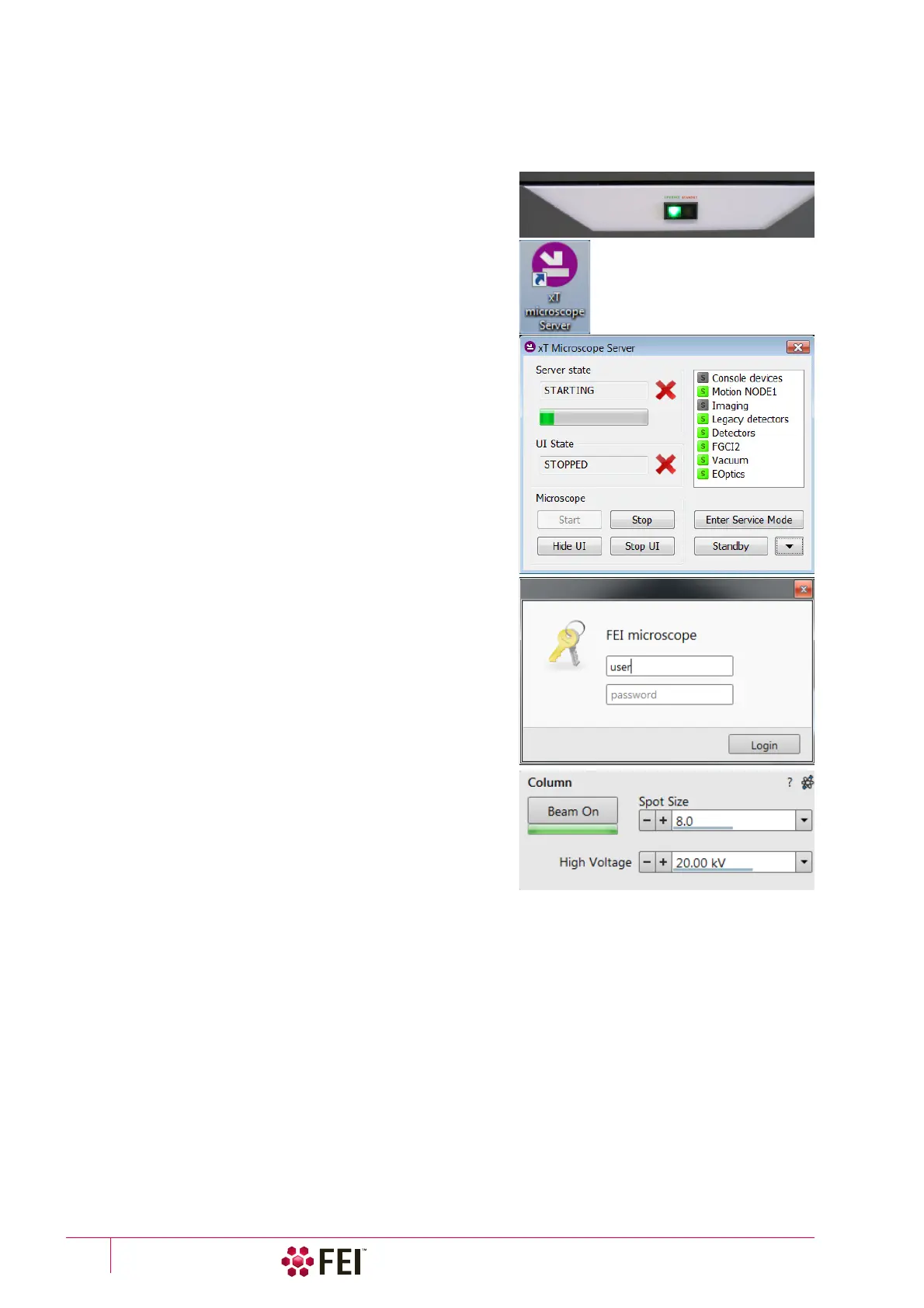
1. Push the amber Power button on the Microscope console panel
– it changes to the green one
(a)
.
2. Double-click on the xT microscope Server icon to start the
software (all seeming LED’s should be green – Initialized).
3. Click on the Start button to start the server. Wait until all
elements are fully functional (green – Initialized).
4. Click on the Start UI button to start the Microscope Control
software. The main window appears behind the UI Log On
dialog.
Note
This step can take place automatically, if Advanced / Autorun UI
check box is ticked.
Now the system is in the Overnight state, to proceed to the Full
operation state follow the procedure:
5. Enter your Username and a Password
(b)
.
6. Click on the Column module / Beam On button to start the
selected beam only or the System module / Wake Up
(c)
button
to start both beams. A
Column module source awaking
progress bar indicates the actual status and the button turns
orange when finished.
Note
d)
It is strongly recommended to always leave the chamber evacuated
when not being used. When the sample chamber is left in the LoVac
mode, water vapour is likely to accumulate in it, PVP lifetime
decreases and the water reservoir or gas cylinder empties
prematurely.
e)
Waiting for a new user leaves the status of the Microscope Control
software non-operational and only the xT microscope Server software
is active. Therefore changing a user does not require Logging off /
Logging on at Windows 7™ level.



 To Next Page