Software Control: Microscope Control Software
C O N F I D E N T I A L – FEI Limited Rights Data 3-7
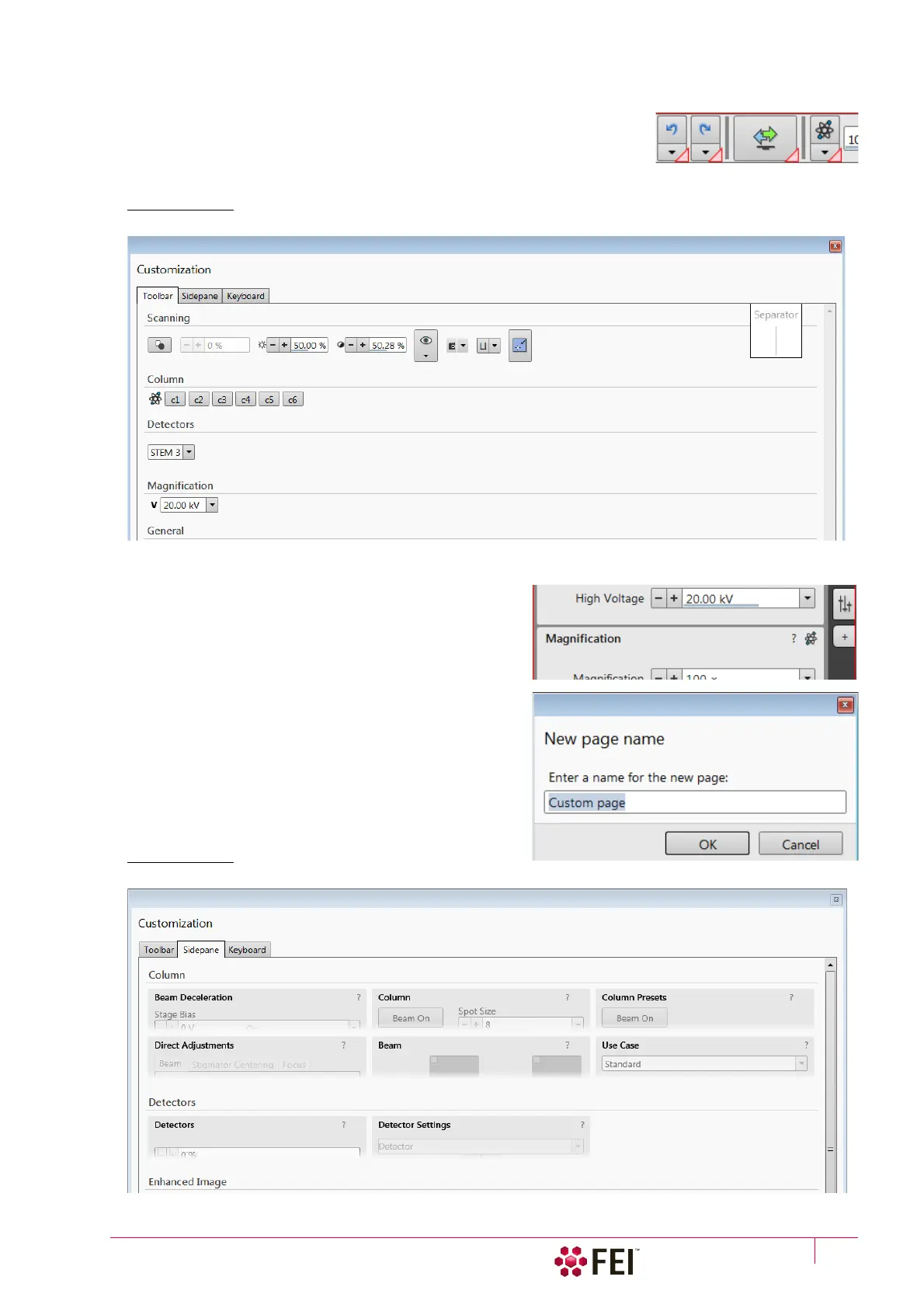
Toolbar customization
Selecting the Toolbar tab adds a red triangle to each toolbar item enabling to
change its size. By clicking & dragging any item it can be moved to a new
position within the toolbar area; dragging it out from the toolbar area to the
customization window eliminates it from the layout. Clicking & dragging a new
item from the Toolbar tab to the toolbar area adds it to the layout.
FIGURE 3-3 Toolbar customization
Sidepane (Pages) customization
Selecting the Sidepane tab adds a red border to the pages
area. By clicking & dragging any module it can be moved to a
new position within the pages area; dragging it out from the
pages area to the customization window eliminates it from
the layout. Clicking & dragging a new item from the
Sidepane tab to the page area adds it to the layout.
By clicking the + page button calls the dialogue requiring a
New page name input; by clicking the OK button a custom
page is created.
FIGURE 3-4 Pages customization



 To Next Page